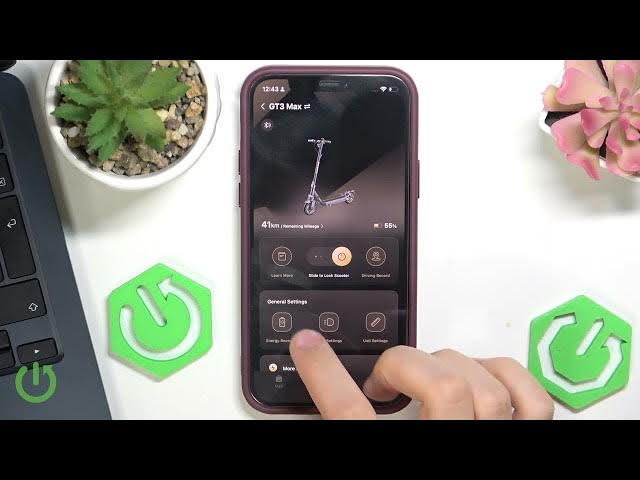

NAVEE GT3 Max – How to Enable or Disable Turn Signal Sound
May 28, 2026

This video shows how to enable or disable the turn signal sound on the NAVEE GT3 Max using the NAVEE smartphone app. I demonstrate opening the NAVEE app, tapping Light settings, and switching the "Turn signal sound" option on or off. You’ll also hear a short live test so you know how the signal sounds and how it behaves when you walk away from the scooter. This is useful if you want to make rides quieter at night or restore audible alerts for safety.
How to enable turn signal sound on NAVEE GT3 Max?
How to disable turn signal sound on NAVEE GT3 Max?
How to find the turn signal sound setting in the NAVEE app for NAVEE GT3 Max?
0:00 Intro
0:09 Open the NAVEE app
0:20 Tap Light settings
0:28 Turn signal sound toggle (enable/disable)
0:34 Live sound test and walk-away check
0:45 Closing notes
#NAVEE #GT3Max #Scooter #TurnSignal
Find out more:
https://www.hardreset.info/devices/navee/navee-gt3-max/
Follow us on Instagram ► https://www.instagram.com/hardreset.info
Like us on Facebook ► https://www.facebook.com/hardresetinfo/
Show More Show Less #Science