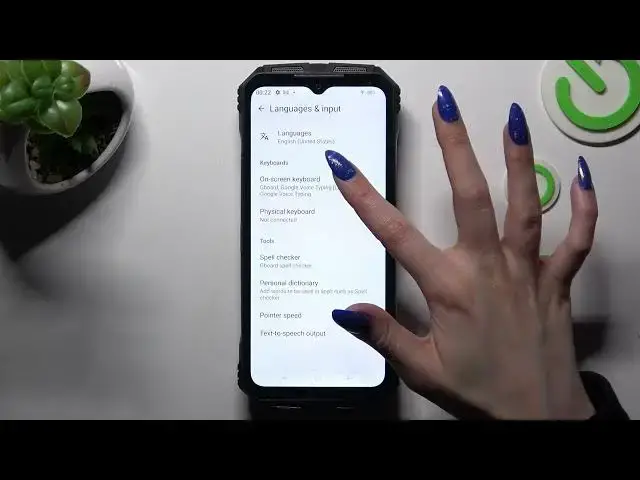

How to Turn On Auto Correction on DOOGEE V MAX – Turn Off Autocorrection
Mar 18, 2024

Check more info about DOOGEE V MAX:
https://www.hardreset.info/devices/doogee/doogee-v-max/tutorials/
Hi there! Enabling Auto Correction on your DOOGEE V MAX allows for automatic suggestions and corrections while typing. This feature helps prevent spelling and typing errors, ensuring accurate and error-free text. With Auto Correction enabled, you can type faster and more confidently, as the device suggests corrections in real time. Simply access the device settings to enable Auto Correction and enjoy a smoother typing experience on your DOOGEE V MAX. For more useful tutorials on how to get the most out of your DOOGEE V MAX, check out our HardReset.info YT channel.
How to Activate Auto Correction Feature on DOOGEE V MAX?
How to Disable Auto Text Correction Option on DOOGEE V MAX?
How to Use Auto Correction Feature on DOOGEE V MAX?
#AutoCorrection #TextSettings #DOOGEEVMAX
Follow us on Instagram ► https://www.instagram.com/hardreset.info
Like us on Facebook ► https://www.facebook.com/hardresetinfo/
Tweet us on Twitter ► https://twitter.com/HardResetI
Support us on TikTok ► https://www.tiktok.com/@hardreset.info
Use Reset Guides for many popular Apps ► https://www.hardreset.info/apps/apps/
Show More Show Less