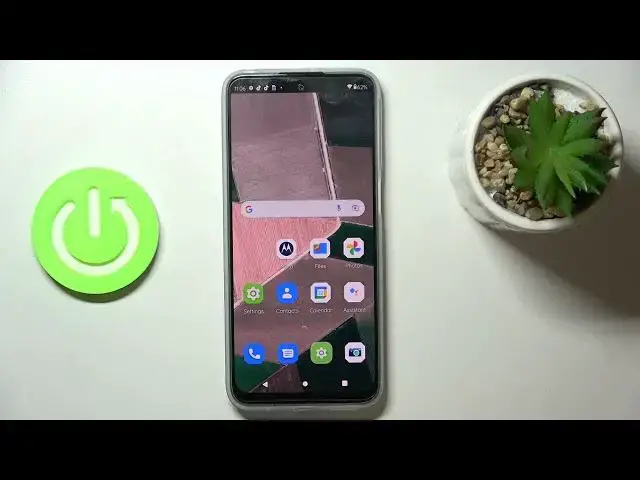

How to Turn Off Running Apps in MOTOROLA Moto G41 – Running Apps Section
Jul 5, 2024

Learn more info about MOTOROLA Moto G41: https://www.hardreset.info/devices/motorola/motorola-moto-g41/
If you’re wondering how to turn off all previously opened apps in your MOTOROLA Moto G41, then here we are coming to show you! Int his tutorial we would like to guide you to proper section called recents, in which are stored all previously opened apps. There you’ll be able to turn off one of those apps, or all of them. So let’s follow all shown steps and successfully turn off running apps.
How to turn off running apps in MOTOROLA Moto G41? How to switch off apps in MOTOROLA Moto G41? How to deactivate apps in MOTOROLA Moto G41? How to turn off applications in MOTOROLA Moto G41? How to turn off applications in MOTOROLA Moto G41? How to speed up MOTOROLA Moto G41? How to release memory in MOTOROLA Moto G41?
#TurnOffApps #RunningApps #MOTOROLAMotoG41
Follow us on Instagram ► https://www.instagram.com/hardreset.info
Like us on Facebook ► https://www.facebook.com/hardresetinfo/
Tweet us on Twitter ► https://twitter.com/HardResetI
Support us on TikTok ► https://www.tiktok.com/@hardreset.info
Use Reset Guides for many popular Apps ► https://www.hardreset.info/apps/apps/
Show More Show Less