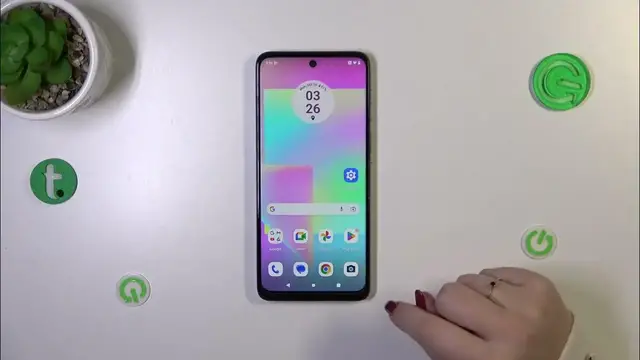

How to Turn Off Running Apps on MOTOROLA Moto G14? | Release Memory
Jan 19, 2024

Read more info about MOTOROLA Moto G14:
https://www.hardreset.info/devices/motorola/motorola-moto-g14/tutorials/
Are you interested in optimizing the performance of your MOTOROLA Moto G14 while also freeing up some valuable memory? We've got a simple solution for you. By swiftly closing all background applications with just a single click, you can observe a noticeable enhancement in your smartphone's efficiency. In our tutorial today, we'll guide you through the process of terminating all these background processes, and by the end, you'll have your Motorola device operating at its best. Don't forget to explore the wide range of valuable tutorials available on our HardReset.info YouTube channel for more tech insights and device optimization tips.
How to turn off running apps in MOTOROLA Moto G14? How to switch off apps in MOTOROLA Moto G14? How to deactivate apps in MOTOROLA Moto G14? How to turn off applications in MOTOROLA Moto G14? How to turn off applications in MOTOROLA Moto G14? How to speed
Follow us on Instagram ► https://www.instagram.com/hardreset.info
Like us on Facebook ► https://www.facebook.com/hardresetinfo/
Tweet us on Twitter ► https://twitter.com/HardResetI
Support us on TikTok ► https://www.tiktok.com/@hardreset.info
Use Reset Guides for many popular Apps ► https://www.hardreset.info/apps/apps/
Show More Show Less