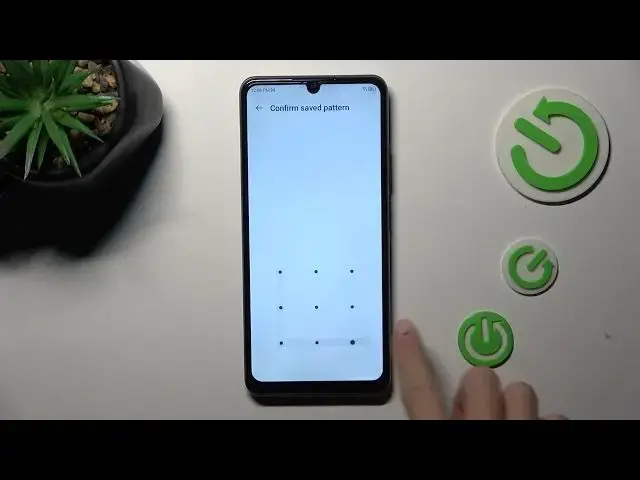

How to Register a Fingerprint on ZTE Blade A72S - Fingerprint Recognition
Mar 17, 2024

Learn more about the ZTE Blade A72S: https://www.hardreset.info/devices/zte/zte-blade-a72s/tutorials/
Secure your ZTE Blade A72S with the convenience of fingerprint recognition! In this tutorial video, we'll show you how to add a fingerprint to your device for quick and secure unlocking. With the fingerprint sensor on the ZTE Blade A72S, you can enhance the security of your phone and save time by avoiding passcode entry. We'll guide you through the step-by-step process of accessing the Fingerprint settings in the system menu, registering your fingerprint by placing it on the sensor and optimizing the fingerprint recognition accuracy. You'll also learn how to manage multiple fingerprints, such as adding or removing fingerprints as needed. Whether you're new to fingerprint unlocking or simply want to make the most of this feature on your ZTE Blade A72S, this video has got you covered. Watch now and add a fingerprint to your device for seamless and secure access!
How to add a fingerprint to a ZTE Blade A72S? How to set up a fingerprint unlock feature on ZTE Blade A72S? How to enable the fingerprint recognition screen lock method on ZTE Blade A72S?
#ZTEBladeA72S #Fingerprint #ZTESecurity
Follow us on Instagram ► https://www.instagram.com/hardreset.info
Like us on Facebook ►
https://www.facebook.com/hardresetinfo/
Tweet us on Twitter ► https://twitter.com/HardResetI
Support us on TikTok ► https://www.tiktok.com/@hardreset.info
Use Reset Guides for many popular Apps ► https://www.hardreset.info/apps/apps/
Show More Show Less