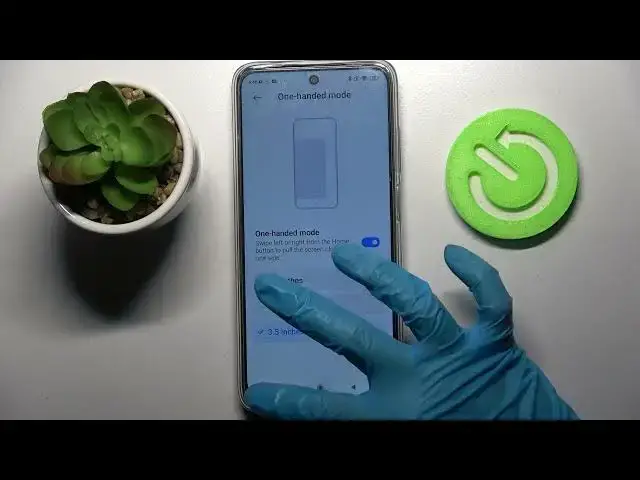

How to Enter One Handed Mode on Xiaomi Redmi 10 – Use One Hand Mode
Jun 30, 2024

Check more information about Redmi 10:
https://www.hardreset.info/devices/redmi/redmi-10/tutorials/
Hi there! This guide will help you if you think the screen area on your Xiaomi Redmi 10 is too big for your hands and the using is not as comfortable as you would like it to be. You can easily make the screen of your Xiaomi Redmi 10 smaller and more comfortable with the following settings, which we'll show you in this video. You can easily enable one handed mode by following all the steps in this video. So, let’s get it started! For more information visit our HardReset.info YT channel and discover many useful tutorials for Xiaomi Redmi 10.
How to Use Xiaomi Redmi 10 in One Hand?
How to Activate One Handed Mode on Xiaomi Redmi 10?
How to Apply One Hand Mode on Xiaomi Redmi 10?
#OneHandedMode #OneHandFeature #XiaomiRedmi10
Follow us on Instagram ► https://www.instagram.com/hardreset.info
Like us on Facebook ► https://www.facebook.com/hardresetinfo/
Tweet us on Twitter ► https://twitter.com/HardResetI
Support us on TikTok ► https://www.tiktok.com/@hardreset.info
Use Reset Guides for many popular Apps ► https://www.hardreset.info/apps/apps/
Show More Show Less