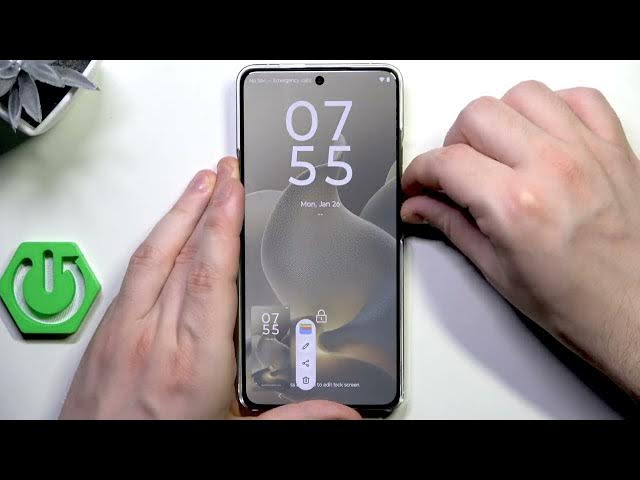

MOTOROLA Signature - How to Unlock Without Password
Jan 28, 2026

In this video I show how to unlock a MOTOROLA Signature when you forgot the screen password by using recovery mode and a factory reset. I explain important warnings first: this method erases all data on the phone, and after reset you must verify the device using the Google account previously signed in or visit an authorized service with proof of purchase. Follow the exact button presses to force restart, enter the boot menu, open Android recovery, choose "wipe data/factory reset", and reboot. Do this only on devices you own — unlocking someone else’s phone is illegal and unethical.
How to unlock MOTOROLA Signature without password?
How to factory reset MOTOROLA Signature via recovery mode?
How to bypass screen lock on MOTOROLA Signature after forgetting password?
0:00 Intro & safety warnings
0:13 Why we must use a factory reset (data loss explained)
0:24 Prepare: power off and force restart (power + volume down)
0:31 Enter boot menu and select Recovery Mode (use volume keys)
0:51 Open Recovery Mode (hold power, press volume up)
1:17 Choose "Wipe data/factory reset" and confirm
2:32 Data wipe complete — select "Reboot system now"
2:39 Setup and Google account verification after reset
2:44 End, tips and subscribe request
#Motorola #MOTOROLASignature #FactoryReset #UnlockWithoutPassword
Find out more:
https://www.hardreset.info/devices/motorola/motorola-signature/
Show More Show Less