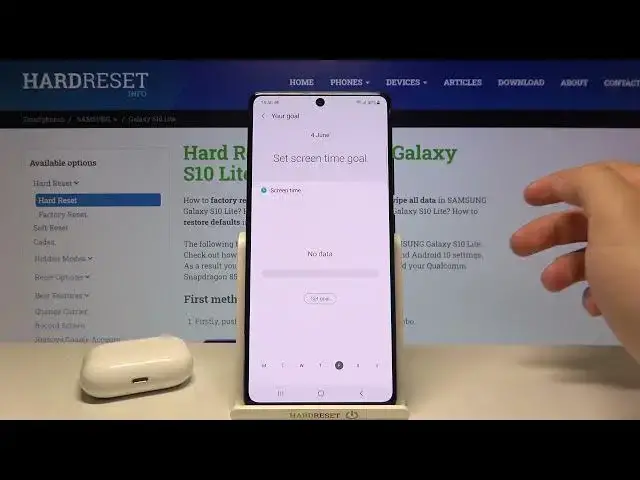

How to Check Number of Applications Opened Each Day in Samsung Galaxy S10 Lite – Usage Statistics
Apr 20, 2024

Find out more about Samsung Galaxy S10 Lite: https://www.hardreset.info/devices/samsung/samsung-galaxy-s10-lite/
In the video showed above, our expert would like to present to you, how to Check Numbers of Applications Opened Each Day in Samsung Galaxy s10 Lite! This way, you’ll find out how much time exactly you are spending using your applications. So, if you want to find that out, then just stay with us, follow the steps shown above, and let’s get started!
How to Find Number of Opened Apps During Day on Samsung Galaxy S10 Lite? How to check number of opened apps in each day on Samsung Galaxy S10 Lite? How to find number of opened apps in each day on Samsung Galaxy S10 Lite? How to open Digital Wellbeing in Samsung Galaxy S10 Lite? How to find screen time statistics in Samsung Galaxy S10 Lite? How to track a screen time in Samsung Galaxy S10 Lite? How to find app timers in Samsung Galaxy S10 Lite?
#SamsungGalaxyS10Lite #OpenedAppsDuringDay #ScreenTime
Follow us on Instagram ► https://www.instagram.com/hardreset.info
Like us on Facebook ► https://www.facebook.com/hardresetinfo/
Tweet us on Twitter ► https://twitter.com/HardResetI
Support us on TikTok ►https://tiktok.com/@hardreset.info
Use Reset Guides for many popular Apps ► https://www.hardreset.info/apps/apps/
Show More Show Less