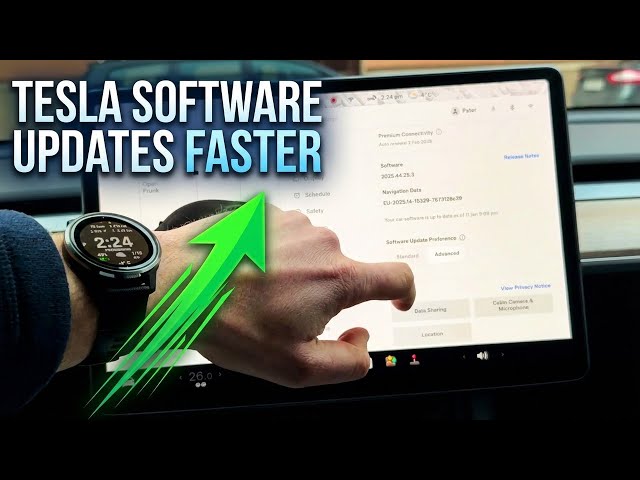

How to Get Tesla Software Updates Faster
Jan 15, 2026

Learn how to get Tesla software updates faster on your Tesla Model Y by switching the Software Update Preferences to Advanced. In this short, clear walkthrough you’ll see exactly where to tap: open the Car settings, go to Software, scroll to Software Update Preferences, choose Advanced and check the info screen. This helps your Model Y receive new UI improvements and feature updates as soon as they’re available for your configuration (note: not the beta program). Follow these simple steps to increase your chances of getting updates earlier.
How to enable Advanced Software Update Preferences on Tesla Model Y?
How to get Tesla Model Y software updates faster?
Where is Software Update Preferences on Tesla Model Y?
0:00 Intro — What this video shows
0:08 The secret priority option explained
0:22 Open Car settings (tap the car icon)
0:31 Go to Software menu
0:41 Scroll to Software Update Preferences
0:48 Change from Standard to Advanced
1:11 Info note — hardware, geography, and beta
1:32 Wrap up and subscribe
#Tesla #ModelY #SoftwareUpdate #AdvancedUpdate
Find out more:
https://www.hardreset.info/devices/car/car-tesla/
Show More Show Less #Autos & Vehicles
#Motor Vehicles (By Type)
#Science
#Tesla Motors