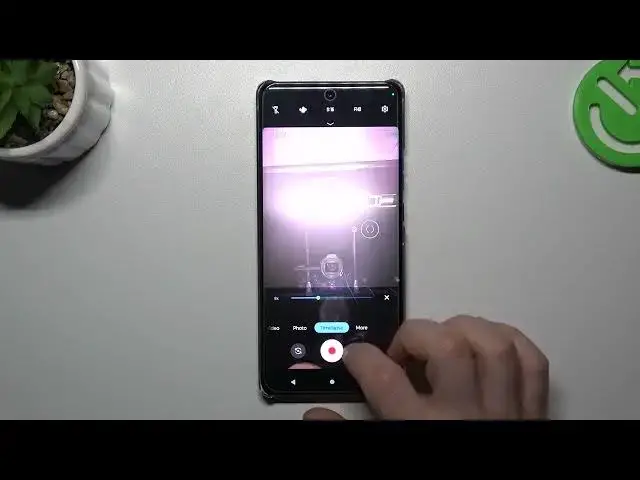

How To Change Time Lapse Video Speed In Motorola Edge 40 Pro
Jul 31, 2024

Check more info about Motorola Edge 40 Pro : https://www.hardreset.info/devices/motorola/motorola-edge-40-pro/tutorials/
In this tutorial, you will learn how to change the time-lapse video speed on your Motorola Edge 40 Pro. Time-lapse videos allow you to capture long periods of time in a condensed format, creating visually stunning effects. With the Motorola Edge 40 Pro, you can easily adjust the speed of your time-lapse videos to suit your creative vision. Follow the step-by-step instructions in this video to discover how to change the time-lapse video speed, create slow-motion or fast-motion effects, and enhance your videos with captivating visuals.
Motorola Edge 40 Pro time-lapse video speed adjustment
Changing time-lapse video speed on Motorola Edge 40 Pro
Adjusting time-lapse speed on Motorola Edge 40 Pro
Modifying time-lapse video speed on Motorola Edge 40 Pro
Creating slow-motion time-lapse on Motorola Edge 40 Pro
#motorolaedge40pro #Change #timelapsevideo
Follow us on Instagram ► https://www.instagram.com/hardreset.info
Like us on Facebook ► https://www.facebook.com/hardresetinfo/
Tweet us on Twitter ► https://twitter.com/HardResetI
Support us on TikTok ► https://www.tiktok.com/@hardreset.info
Use Reset Guides for many popular Apps ► https://www.hardreset.info/apps/apps/
Show More Show Less