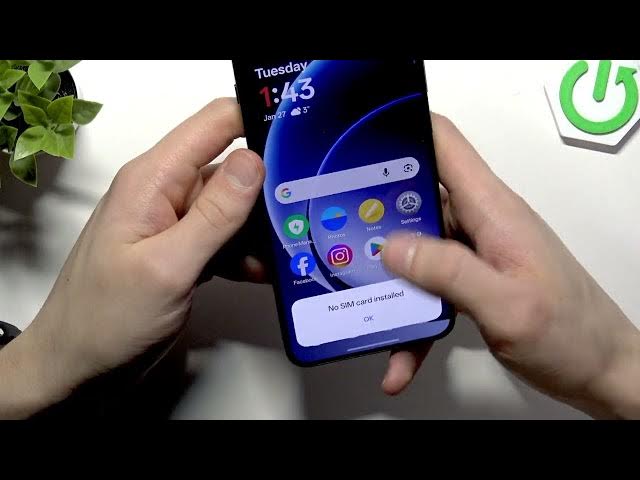

OnePlus 15R – No SIM Card Detected Fix
Jan 28, 2026

Having trouble with your OnePlus 15R not detecting the SIM card? In this video I show clear, step-by-step actions to fix the “No SIM Card Detected” message on OnePlus 15R. You will learn how to safely eject the SIM tray, clean the SIM contacts, try the other SIM slot, check Mobile Network settings, test the SIM in another phone, install available software updates over Wi-Fi, and reset network settings if needed. These simple checks will help you quickly find out whether the issue is with the SIM card, the phone settings, or your carrier and what to do next.
How to fix OnePlus 15R "No SIM Card Detected"?
How to insert SIM card into OnePlus 15R?
How to reset network settings on OnePlus 15R?
0:00 Welcome and problem overview
0:06 How to eject the SIM tray (use the pin)
0:39 Remove SIM and wipe contacts (dry cloth only)
1:18 Try the other SIM slot & insert correct orientation
1:51 Check Mobile Network settings to see detection
2:14 Test the SIM card in another phone (carrier check)
2:54 Connect to Wi‑Fi and check for software updates
3:30 Reset network and Bluetooth settings if needed
3:53 Conclusion and when to contact your carrier
#OnePlus15R #NoSIM #SIMCardFix #AndroidTips
Find out more:
https://www.hardreset.info/devices/oneplus/oneplus-15r/no-sim-card-detected-fix/
Show More Show Less