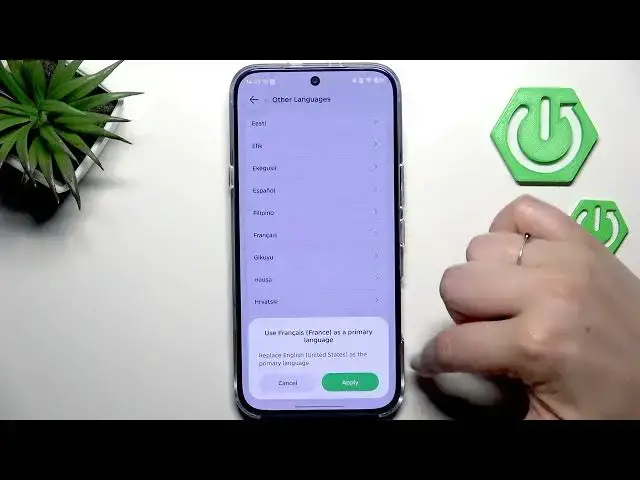

How to Change Language on INFINIX Note 60 Pro
Jun 30, 2026

In this short video I show how to change the system language on the INFINIX Note 60 Pro. You will learn how to open Settings, go to System → Languages & inputs, add a new language using the + icon, apply it, reorder languages to switch the active language, and remove languages you no longer need. Clear on-screen steps make it easy to follow even if you're new to Android or this device.
How to change language on INFINIX Note 60 Pro?
How to add a new language on INFINIX Note 60 Pro?
How to remove or switch languages on INFINIX Note 60 Pro?
0:00 Intro - what we will do
0:07 Open Settings and find System (gear icon)
0:21 Go to Languages & inputs and tap Languages
0:29 Add a new language with the + icon
0:43 Apply the new language to change the system
0:59 Switch languages by dragging a language to the top
1:09 Remove a language via three dots → Remove
1:16 Wrap up and final tips
#Infinix #InfinixNote60Pro #ChangeLanguage #AndroidTips
Find out more:
https://www.hardreset.info/devices/infinix/infinix-note-60-pro/change-language/
Show More Show Less #Science