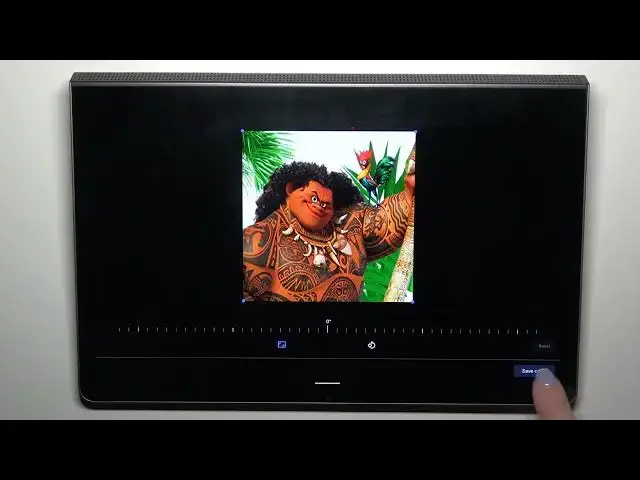

How to Add Photo to a Contact on a LENOVO Yoga Tab 11
Mar 20, 2024

Learn more about the LENOVO Yoga Tab 11: https://www.hardreset.info/devices/lenovo/lenovo-yoga-tab-11-lte/tutorials/
In this video, we'll show you how to link a photo to a contact on your LENOVO Yoga Tab 11. By adding a photo to a contact, you can quickly identify who's calling or messaging you, giving you a more personalized experience on your device. In this video, we'll guide you through the steps to link a photo to a contact, as well as how to choose the right photo and adjust the size and position of the image. Whether you're looking to add a touch of fun or simply want to improve your productivity on your LENOVO Yoga Tab 11, this video will help you make your device more user-friendly and visually appealing. So, be sure to tune in and link your photos to contacts today.
How to link a picture to contact on a LENOVO Yoga Tab 11? How to upload a photo to contact on a LENOVO Yoga Tab 11? How to edit contacts' details on a LENOVO Yoga Tab 11?
#LENOVOYogaTab11 #Contacts #LENOVOContacts
Follow us on Instagram ► https://www.instagram.com/hardreset.info
Like us on Facebook ►
https://www.facebook.com/hardresetinfo/
Tweet us on Twitter ► https://twitter.com/HardResetI
Support us on TikTok ► https://www.tiktok.com/@hardreset.info
Use Reset Guides for many popular Apps ► https://www.hardreset.info/apps/apps/
Show More Show Less