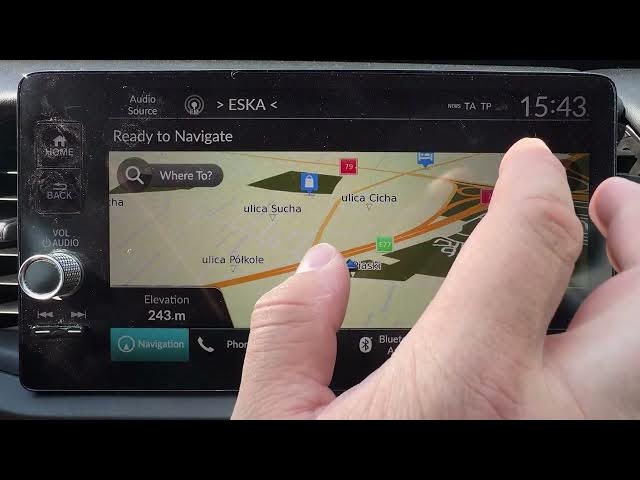

HONDA Jazz V HYBRID – How to Change Map Theme
May 28, 2026

In this short video I show exactly how to change the Map Theme on the HONDA Jazz V HYBRID built-in navigation. You’ll see step-by-step where to open Navigation, enter Settings, go to Map Theme, choose Default or Honda theme and tap Save. This quick guide is perfect for HONDA Jazz V HYBRID owners who want a different map look or clearer map visuals while driving.
How to change map theme on HONDA Jazz V HYBRID?
Where is Map Theme setting in HONDA Jazz V HYBRID navigation?
How to save map theme on HONDA Jazz V HYBRID?
0:00 Intro – welcome and overview
0:04 Open Navigation and enter Settings
0:10 Go to Map Theme in Map and Vehicle Settings
0:15 Select Default or Honda theme
0:20 Tap Save to apply the new map theme
0:27 Quick tip – where to find Map and Vehicle Settings
0:31 Like, comment and subscribe for more HONDA tips
#HondaJazz #Honda #CarNavigation #MapTheme
Find out more:
https://www.hardreset.info/devices/honda/honda-jazz-v-hybrid/
Follow us on Instagram ► https://www.instagram.com/hardreset.info
Show More Show Less #Science