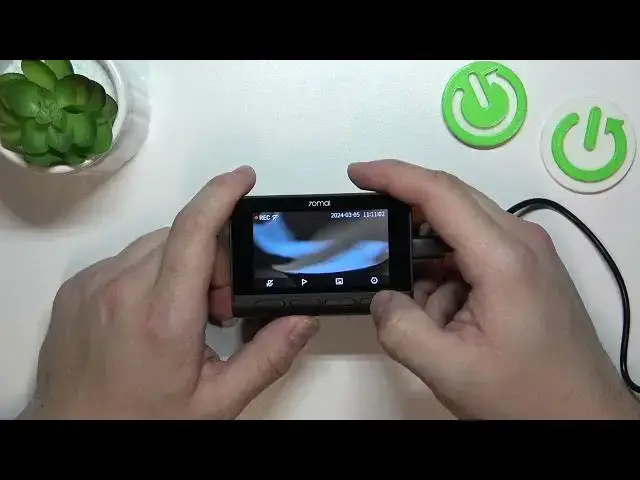

70mai Dashcam A810 enable disable extended cam image and rotation
Aug 9, 2024

Find out more: https://www.hardreset.info/surveillance-cameras/70mai/
Unlock the full potential of your 70mai Dashcam A810 with our expert guide on enabling and disabling the extended camera image and rotation features. This tutorial is perfect for drivers looking to customize their dashcam's viewing angles and orientation for an optimal recording experience. Whether you need a wider field of view to capture more of your surroundings or wish to adjust the camera's orientation to better suit your vehicle's setup, our step-by-step guide provides all the knowledge you need. Learn how to easily toggle between extended camera image settings for enhanced coverage and how to rotate the camera image for the perfect alignment. Our instructions ensure you can make these adjustments effortlessly, allowing your 70mai Dashcam A810 to adapt to your specific needs. Enhance your driving and recording experience by mastering these versatile features, ensuring every journey is captured just the way you want.
#70maiDashcamSetup
#CustomDashcamView
#TechDrivenJourney
Questions:
How to enable the extended camera image feature on the 70mai Dashcam A810 for wider coverage?
How to disable the extended camera image on your 70mai Dashcam A810 for standard view?
How to rotate the camera image on the 70mai Dashcam A810 for the perfect angle?
What are the benefits of adjusting the camera image and rotation settings on your dashcam?
How can enabling or disabling the extended cam image and rotation enhance your recording experience with the 70mai Dashcam A810?
Follow us on Instagram ► https://www.instagram.com/hardreset.info
Like us on Facebook ► https://www.facebook.com/hardresetinfo/
Tweet us on Twitter ► https://twitter.com/HardResetI
Support us on TikTok ► https://www.tiktok.com/@hardreset.info
Show More Show Less