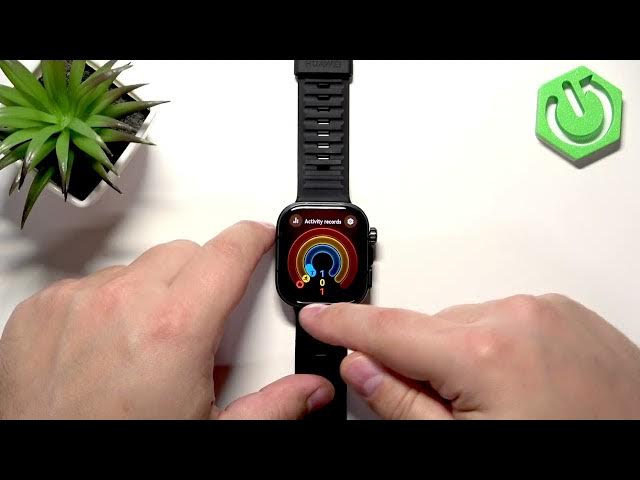

HUAWEI Watch Fit 5 Pro – How to Track Steps
Jun 3, 2026

In this short video you will learn how to track the number of steps on the HUAWEI Watch Fit 5 Pro. I cover three simple methods: view steps directly on a watch face, add a step counter by customizing the watch face, open the Activity card on the watch to see steps, and check detailed daily/weekly/monthly step history inside the Huawei Health phone app when the watch is paired. You’ll also see where to find calories, distance and progression charts so you can monitor your activity more closely and stay motivated with the Watch Fit 5 Pro.
How to track steps on HUAWEI Watch Fit 5 Pro?
How to add step counter to HUAWEI Watch Fit 5 Pro watch face?
How to view step history in Huawei Health for HUAWEI Watch Fit 5 Pro?
0:00 Intro – what we’ll show in this video
0:12 Wake screen and check if the watch face shows steps
0:30 Press and hold to change the watch face
0:52 Customize a watch face to add the step counter
1:23 Open Activity card (swipe left) to see steps on the watch
1:54 Use Huawei Health app for detailed daily/weekly/monthly step data
2:32 Summary and subscribe
#HUAWEI #WatchFit5Pro #StepCounter #HuaweiHealth
Find out more:
https://www.hardreset.info/devices/huawei/huawei-watch-fit-5-pro/how-to-track-steps/
Follow us on Instagram ► https://www.instagram.com/hardreset.info
Like us on Facebook ► https://www.facebook.com/hardresetinfo/
Tweet us on Twitter ► https://twitter.com/HardResetI
Support us on TikTok ► https://www.tiktok.com/@hardreset.info
Use Reset Guides for many popular Apps ► https://www.hardreset.info/apps/apps/
Show More Show Less