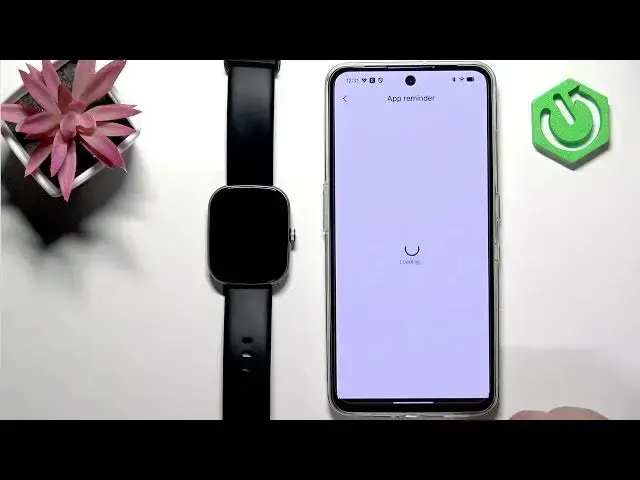

IMIKI Frame 2 Lite – How to Enable Phone Notifications on Android
Jul 2, 2026

In this video you will learn how to enable phone notifications on the IMIKI Frame 2 Lite using the IMIKI Live app on an Android phone. I show each step: open IMIKI Live, go to Device and select your Frame 2 Lite, enable App reminder and grant notification access, pick which apps to forward (WhatsApp, Discord, etc.), and allow SMS and incoming call reminders. I also explain how to add missing apps via More reminders and how to check notifications on the watch so you don’t miss messages or calls.
How to enable phone notifications on IMIKI Frame 2 Lite with Android?
How to allow notification access for the IMIKI Live app on Android?
How to forward WhatsApp, SMS or call notifications to IMIKI Frame 2 Lite?
0:00 Intro
0:15 Open IMIKI Live app and go to Device
0:29 Select IMIKI Frame 2 Lite and scroll to App reminder
0:58 Grant notification access for IMIKI Live
1:12 Enable notifications for specific apps and use More reminders
1:50 Enable SMS reminder and required permissions
2:00 Enable Incoming call reminder and permissions
2:23 Test with a message (Discord) and confirm on watch
2:43 How to view missed notifications on the watch
#IMIKI #IMIKILive #SmartwatchNotifications #Android
Find out more:
https://www.hardreset.info/devices/imiki/imiki-frame-2-lite/enable-phone-notifications-on-android/
Follow us on Instagram ► https://www.instagram.com/hardreset.info
Like us on Facebook ► https://www.facebook.com/hardresetinfo/
Tweet us on Twitter ► https://twitter.com/HardResetI
Support us on TikTok ► https://www.tiktok.com/@hardreset.info
Use Reset Guides for many popular Apps ► https://www.hardreset.info/apps/apps/
Show More Show Less