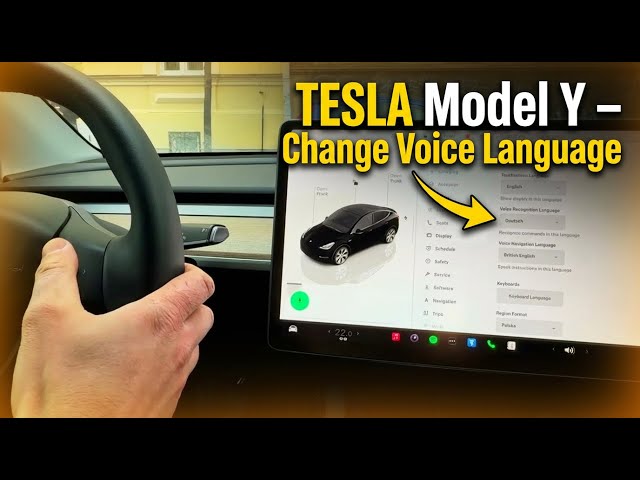

TESLA Model Y – How to Change Voice Recognition Language
Jan 23, 2026

In this short video I show how to change the Voice Recognition Language on a TESLA Model Y. You will see where to open the car settings, how touchscreen language differs from voice recognition language, and a quick voice demo showing why commands may fail when the voice language doesn't match. This step-by-step walkthrough helps if your Tesla voice commands are not responding or you want to use another language (English, German, Spanish, French, Polish, etc.). Follow along to update the setting and test voice commands on your Model Y.
How to change the Voice Recognition Language on TESLA Model Y?
How to change Voice Recognition Language on Tesla Model Y touchscreen?
How to make Tesla Model Y voice commands work in English or another language?
0:00 Intro – what we will change
0:05 Open car settings (tap the car icon)
0:18 Display settings and language options
0:31 Touchscreen language vs Voice Recognition Language
0:40 Live demo – German voice command fails
0:57 Switch Voice Recognition Language to English
1:00 Test voice command – works now
1:16 List of available languages and closing notes
#Tesla #ModelY #VoiceRecognition #CarSettings
Find out more:
https://www.hardreset.info/devices/car/car-tesla/
Show More Show Less #Autos & Vehicles
#Foreign Language Resources