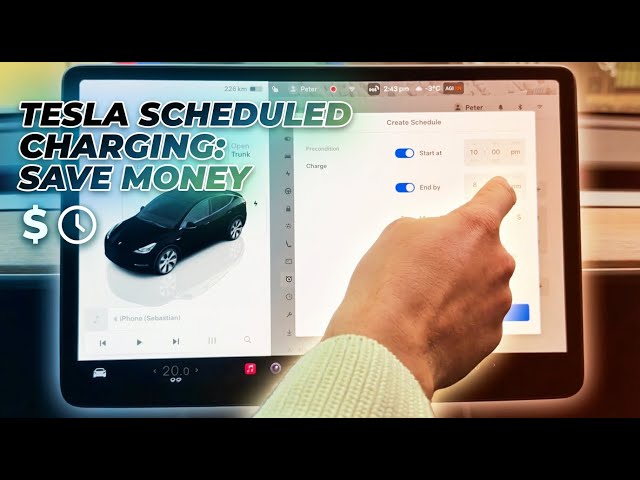

Save Money on Charging: Tesla Scheduled Charging Explained
Jan 23, 2026

Lower your electricity bill by charging your Tesla during off-peak hours. In this video we walk through the exact steps inside the Tesla controls to create a charging schedule: open the car icon, go to Schedule → Precondition → Charge, tap the + to create a new schedule, set start and end times, choose which days to apply it to, and limit the schedule to a specific location (Home, Work or Current Location). This short step-by-step guide works for all Tesla models and helps you set it-and-forget-it so your car charges when electricity is cheapest.
How to set scheduled charging on TESLA?
How to schedule charging on TESLA to charge during off-peak hours?
Where is the charging schedule setting in TESLA controls?
0:00 Intro — why scheduled charging saves money
0:09 Open the car icon and controls
0:17 Navigate to Schedule → Precondition → Charge
0:30 Tap + to create a new charging schedule
0:41 Set start time (example: 10–11 PM) and end time (example: 8 AM)
0:58 Choose days and repeat options (weekends, weekdays)
1:20 Save and choose location (Home, Work, Current Location)
1:36 Tips: use location-specific schedules & set it-and-forget-it
#Tesla #ScheduledCharging #EVCharging #OffPeakCharging
Find out more:
https://www.hardreset.info/devices/car/car-tesla/
Show More Show Less #Autos & Vehicles
#Financial Planning & Management
#Science