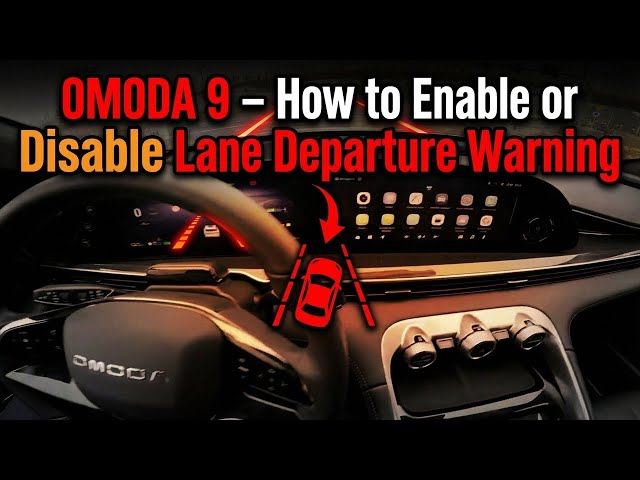

OMODA 9 – How to Enable or Disable Lane Departure Warning
Jan 10, 2026

In this short video you'll learn how to enable and disable the Lane Departure Warning on the OMODA 9. We show exactly where to find the setting on the screen display, how to switch the lane departure warning on or off, and where to adjust lane assist sensitivity. This walkthrough helps you set the system for safer highway driving or disable it for tight city roads. Clear steps for the OMODA 9 head unit make it easy to follow even if you're new to ADAS settings.
How to enable Lane Departure Warning on OMODA 9?
How to disable Lane Departure Warning on OMODA 9?
How to adjust lane assist sensitivity on OMODA 9?
0:00 Intro – OMODA 9 and overview
0:08 Open the screen display and enter "Vehicle"
0:21 Toggle the Lane Departure Warning ON or OFF
0:29 Go to Settings to adjust lane assist sensitivity
0:35 Wrap up — like, comment and subscribe
#OMODA9 #LaneDepartureWarning #LaneAssist #ADAS
Find out more:
https://www.hardreset.info/devices/omoda/omoda-9/how-to-enable-or-disable-lane-departure-warning/
Follow us on Instagram ► https://www.instagram.com/hardreset.info
Like us on Facebook ► https://www.facebook.com/hardresetinfo/
Tweet us on Twitter ► https://twitter.com/HardResetI
Show More Show Less