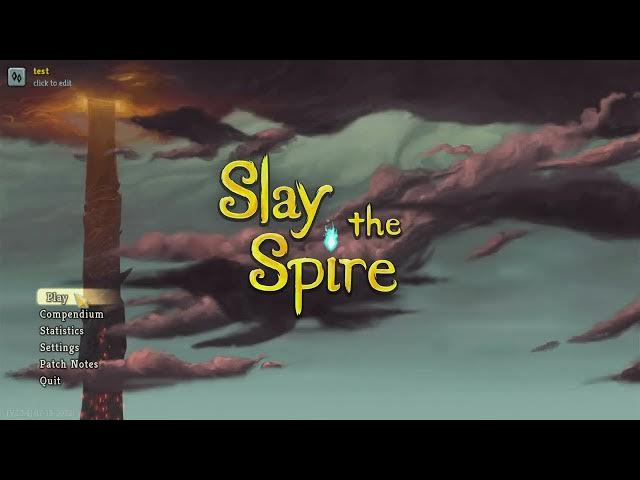

Slay The Spire – How to Unlock Custom Mode
Jan 28, 2026

This short video shows the quick and easy way to unlock the Custom game mode in Slay The Spire. Slay The Spire includes Standard runs, Daily Climb, and Custom runs — but Custom is locked until you attempt a Daily Climb. You do NOT need to win the Daily climb: simply start a Daily Climb, load in, open Settings and choose Abandon Run, then return to the main menu. After that the Custom option will appear and you can pick unlocked characters, set Ascension (1–20), choose a custom seed, and apply modifiers like drafts, curses, and more. Follow these exact steps to unlock and start a Custom run in seconds.
How to unlock custom mode in Slay The Spire?
How to unlock the Custom game mode in Slay The Spire by attempting a Daily Climb?
How to set ascension level and modifiers in Slay The Spire Custom Mode?
0:00 Overview – Game modes in Slay The Spire
0:10 Start a Daily Climb to unlock Custom mode
0:30 Load into the Daily Climb and open Settings
0:40 Select "Abandon Run" and confirm
0:59 Return to main menu and check Custom mode
1:20 Choose character, Ascension, seed and modifiers
1:50 Hit "Embark" and start your Custom run
#SlayTheSpire #CustomMode #DailyClimb #GamingTips
Find out more:
https://www.hardreset.info/devices/game/game-slay-the-spire/
Follow us on Instagram ► https://www.instagram.com/hardreset.info
Show More Show Less #Computer & Video Games
#Gaming Reference & Reviews