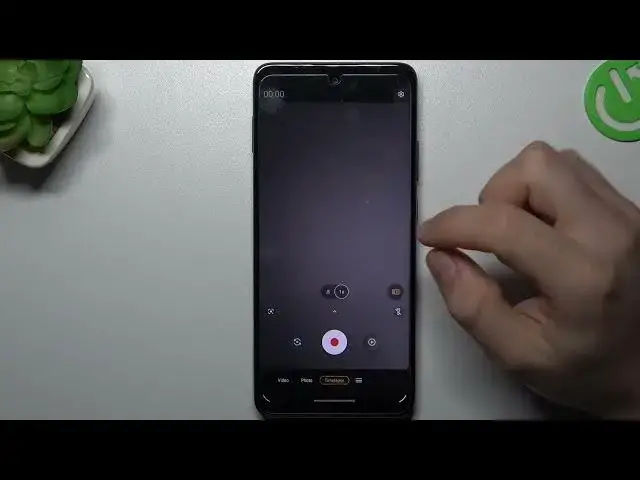

MOTOROLA One 5G Ace & Camera Options - Change Time-Lapse Video Speed
Mar 24, 2024

Find out more info about MOTOROLA One 5G Ace: https://www.hardreset.info/devices/motorola/motorola-one-5g-ace/tutorials/
We're incredibly glad that the topic of this video turned out to be appropriate for you! In this short tutorial, you can find out how to correct Time Lapse Video Speed on the MOTOROLA One 5G Ace gadget. Follow our steps, open the default Camera app on your gadget and manage video speed in the Time-Lapse section just by clicking one time on the needful mode. So now you're convinced that HardReset.Info is the place where you can learn everything about gadgets! If yes, then subscribe to our channel.
How to Record Video in Timelapse on MOTOROLA One 5G Ace? How to Manage Camera Timelapse Option on MOTOROLA One 5G Ace? How to Change the Speed of Timelapse in Camera Settings? How to Manage Timelapse Speed on MOTOROLA One 5G Ace?
#CameraSettings #Timelapse #MOTOROLAOne5GAce
Follow us on Instagram ► https://www.instagram.com/hardreset.info
Like us on Facebook ► https://www.facebook.com/hardresetinfo/
Tweet us on Twitter ► https://twitter.com/HardResetI
Support us on TikTok ► https://www.tiktok.com/@hardreset.info
Use Reset Guides for many popular Apps ► https://www.hardreset.info/apps/apps/
Show More Show Less