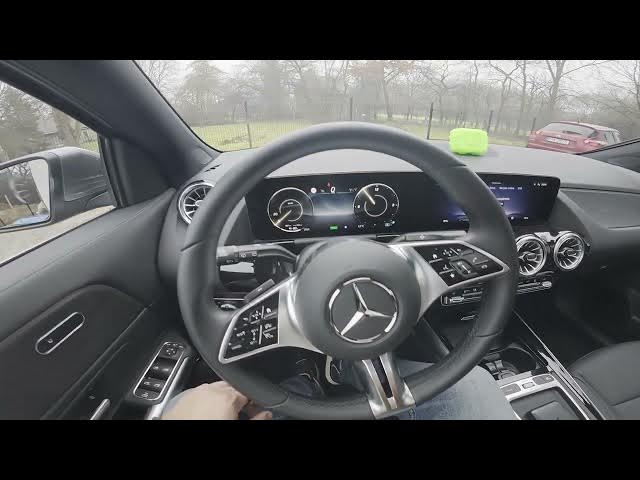

MERCEDES-BENZ EQA – How to Enable/Disable Dipped Beam
Jan 16, 2026

In this short video I show how to enable and disable the dipped beam on the MERCEDES-BENZ EQA. You will see exactly where the headlight control panel is (behind the left side of the steering wheel), how to twist the knob to turn the dipped beam on, how to recognize the green indicator, and how to set the control back to AUTO to turn it off. I also show how to enable position and parking lights. This quick guide helps you control your EQA headlights safely and confidently.
How to enable dipped beam on MERCEDES-BENZ EQA?
How to disable dipped beam on MERCEDES-BENZ EQA?
Where is the headlight control on MERCEDES-BENZ EQA?
0:00 Intro
0:08 Locate headlight control panel (left of steering wheel)
0:18 How to enable dipped beam – twist knob
0:22 Confirm dipped beam – green icon
0:29 How to disable dipped beam – set to AUTO
0:32 Enable position & parking lights
0:34 Outro — like, comment, subscribe
#MercedesBenzEQA #EQA #Headlights #DippedBeam
Find out more:
https://www.hardreset.info/devices/mercedes-benz/mercedes-benz-eqa/how-to-enable-disable-dipped-beam/
Follow us on Instagram ► https://www.instagram.com/hardreset.info
Show More Show Less