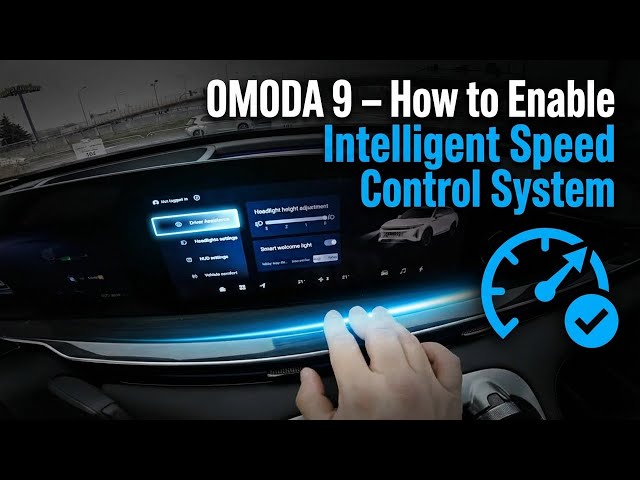

OMODA 9 – How to Enable Intelligent Speed Control System
Jan 10, 2026

Learn how to enable the Intelligent Speed Control System on your OMODA 9. In this short video we show step-by-step where to find the setting on the infotainment screen, how to navigate to Car → Driver Assistance, and how to switch Intelligent Speed Control on or off. When enabled the instrument cluster will show a pop-up warning if the vehicle is driving faster than the detected road speed limit, helping you stay within limits and improve driving safety. Follow these quick steps to turn this driver assistance feature on or off on your OMODA 9.
How to enable Intelligent Speed Control System on OMODA 9?
How to turn on Intelligent Speed Control on OMODA 9?
How to disable Intelligent Speed Control System on OMODA 9?
0:00 Intro
0:07 Screen display overview
0:18 Go to Car → Driver Assistance
0:27 Find Intelligent Speed Control
0:38 Enable or disable the feature
0:52 What the pop-up warning does
#OMODA9 #IntelligentSpeedControl #DriverAssistance #CarSafety
Find out more:
https://www.hardreset.info/devices/omoda/omoda-9/how-to-enable-intelligent-speed-control-system/
Follow us on Instagram ► https://www.instagram.com/hardreset.info
Like us on Facebook ► https://www.facebook.com/hardresetinfo/
Show More Show Less