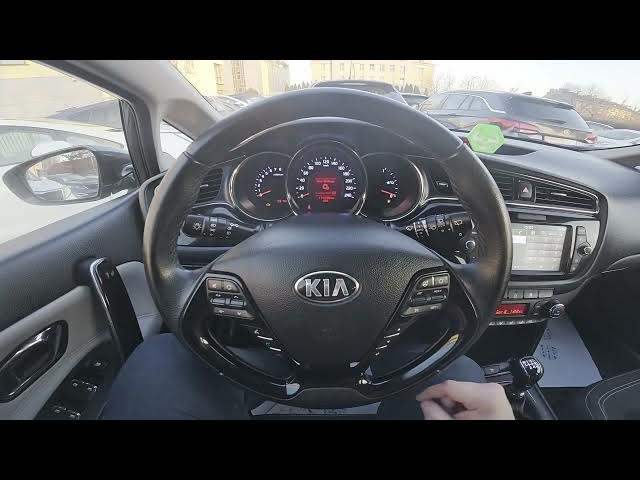

Kia Ceed II Facelift – How to Download Phonebook
Dec 28, 2025

In this short video I show how to download the phonebook to the Kia Ceed II Facelift infotainment system. You will learn how to check your smartphone Bluetooth connection, open the Phone app on the car display, enter the menu, select Phonebook Download and confirm. This imports your contacts from Android or iPhone so you can make and receive calls with names shown and use in-car caller ID. The steps are quick and work with most factory Kia head units.
How to download phonebook on Kia Ceed II Facelift?
How to sync contacts from my smartphone to Kia Ceed II Facelift?
Where is the Phonebook Download option in Kia Ceed II Facelift infotainment?
0:00 Intro – Kia Ceed II Facelift and phonebook overview
0:08 Make sure your smartphone is paired and connected via Bluetooth
0:18 On the car screen open Phone → Menu → Phonebook Download
0:24 Confirm the download and wait for contacts to import
0:27 Final check, tips and subscribe
#KiaCeed #KiaCeedII #CarBluetooth #PhonebookDownload
Find out more:
https://www.hardreset.info/devices/kia/kia-ceed-ii-facelifting/how-to-download-phonebook/
Follow us on Instagram ► https://www.instagram.com/hardreset.info
Like us on Facebook ► https://www.facebook.com/hardresetinfo/
Tweet us on Twitter ► https://twitter.com/HardResetI
Show More Show Less