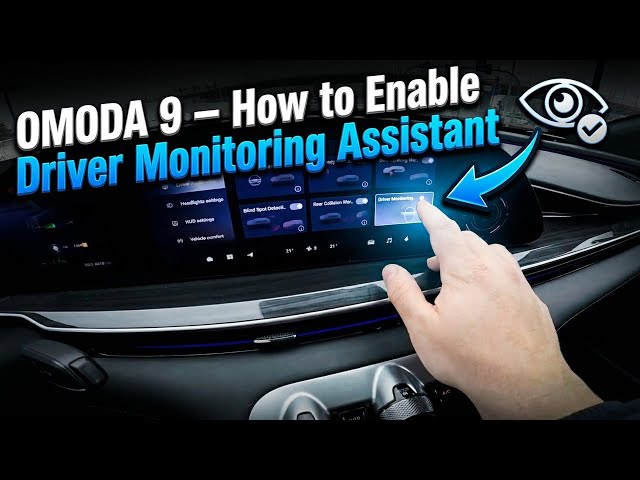

OMODA 9 – How to Enable Driver Monitoring Assistant
Jan 10, 2026

In this short video I show how to enable and disable the Driver Monitoring Assistant (Driver Monitoring System Alarm) on the OMODA 9. You'll see the screen display, open the Vehicle menu and toggle the Driver Monitoring System Alarm on or off. This quick walkthrough helps you turn on driver monitoring for extra safety, or disable the alarm if you prefer. Clear, step-by-step instructions make it easy for new OMODA 9 owners to manage DMS settings quickly and confidently.
How to enable Driver Monitoring Assistant on OMODA 9?
How to disable Driver Monitoring Assistant on OMODA 9?
Where is the Driver Monitoring System Alarm setting on OMODA 9?
0:00 Intro
0:05 Screen display overview
0:08 Open Vehicle menu
0:12 Enable or Disable Driver Monitoring System Alarm
0:27 Like, Comment & Subscribe / Outro
#OMODA9 #DriverMonitoringAssistant #DriverMonitoringSystem #CarSafety
Find out more:
https://www.hardreset.info/devices/omoda/omoda-9/how-to-enable-driver-monitoring-assistant/
Follow us on Instagram ► https://www.instagram.com/hardreset.info
Like us on Facebook ► https://www.facebook.com/hardresetinfo/
Tweet us on Twitter ► https://twitter.com/HardResetI
Show More Show Less