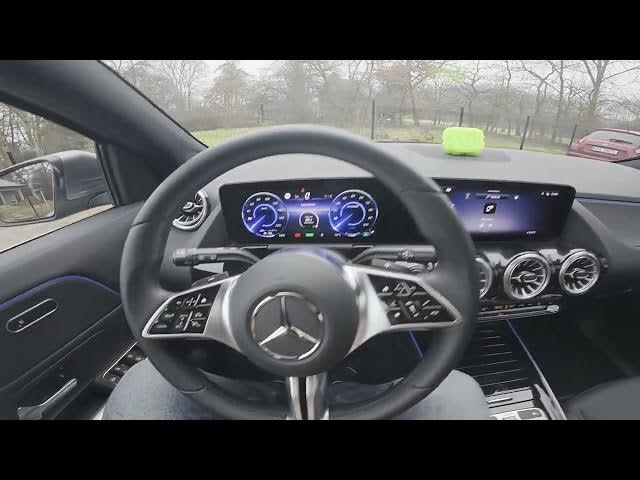

MERCEDES-BENZ EQA - How to Enable Audio Fade for Warnings
Jan 2, 2026

In this short video I show how to enable Audio Fade for Warnings on a MERCEDES-BENZ EQA. You will learn where to find the option in the infotainment display menus and how to turn the feature on or off. Audio Fade reduces or mutes media volume when a parking or safety warning sounds so you can hear alerts clearly. Follow the exact menu path shown in the video to change the setting quickly and easily for safer driving.
How to enable Audio Fade for Warnings on MERCEDES-BENZ EQA?
How to disable Audio Fade for WERENINGS on MERCEDES-BENZ EQA?
How to find the Audio Fade setting in MERCEDES-BENZ EQA infotainment?
0:00 Introduction - what we'll change
0:08 Open the Display menu
0:12 Go to Settings then Parking and Audio Fade
0:18 Toggle the Audio Fade switch to enable or disable
0:29 Wrap up - like, comment and subscribe
#MercedesBenz #EQA #AudioFade #CarSettings
Find out more:
https://www.hardreset.info/devices/mercedes-benz/mercedes-benz-eqa/how-to-enable-audio-fade-for-warnings/
Follow us on Instagram ► https://www.instagram.com/hardreset.info
Like us on Facebook ► https://www.facebook.com/hardresetinfo/
Tweet us on Twitter ► https://twitter.com/HardResetI
Show More Show Less