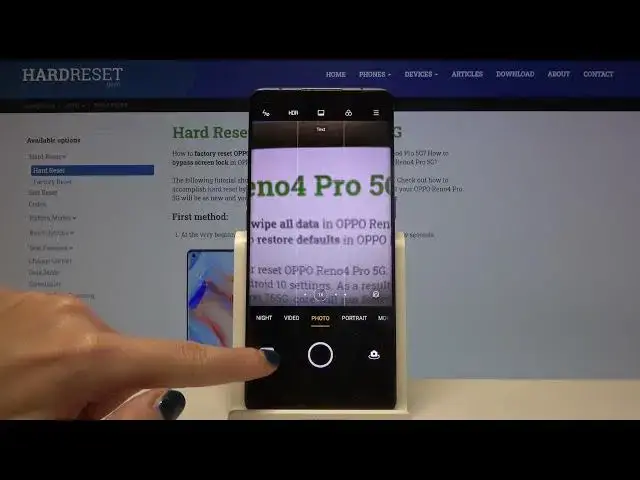

How to Use Camera Gridlines on OPPO Reno4 Pro – Turn on Camera Gridlines
Jul 13, 2024

Learn more info about OPPO Reno4 Pro:
https://www.hardreset.info/devices/oppo/oppo-reno4-pro-5g/
If you have a problem with taking perfectly framed photos, today we want to introduce you to a function that will help you solve this problem. Follow our instructions and find out how to activate Grid Lines on the camera in OPPO Reno4 Pro. This is a truly amazing option to create perfect photos, so try it on your OPPO device as soon as possible!
How to Activate Camera Grid Lines in OPPO Reno4 Pro? How to Enable Camera Grid Lines in OPPO Reno4 Pro? How to Turn On Camera Grid Lines in OPPO Reno4 Pro? How to Switch On Camera Grid Lines in OPPO Reno4 Pro? How to Turn Off Camera Grid Lines? How to Switch Off Camera Grid Lines in OPPO Reno4 Pro? How to turn on orientation lines in OPPO Reno4 Pro? How to use orientation lines in OPPO Reno4 Pro? How to turn off orientation lines in OPPO Reno4 Pro? How to take perfect framed photos by OPPO Reno4 Pro?
Follow us on Instagram ► https://www.instagram.com/hardreset.info
Like us on Facebook ► https://www.facebook.com/hardresetinfo/
Tweet us on Twitter ► https://twitter.com/HardResetI
Show More Show Less