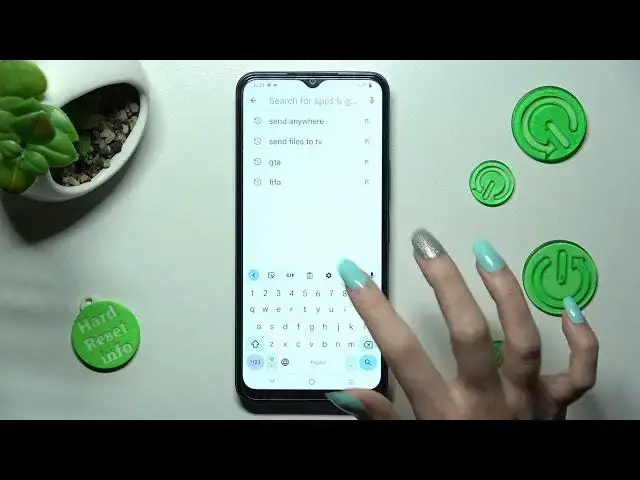

How to Stop Automatic Text Correction in Vivo Y22S - Manage Auto-Correction
Mar 24, 2024

Learn more information about Vivo Y22S: https://www.hardreset.info/devices/vivo/vivo-y22s/tutorials/
In today’s video, we'll show you where to find the Typing Settings and quickly Manage Auto-Correction! This function will definitely be helpful to you if you frequently make mistakes while typing because it will instantly correct all words. Don't wait, simply follow the instructions above and turn on or off Auto-Correction within seconds. Let's get started!
How to Switch On Auto-Correction in Vivo Y22S? How to Switch Off Auto-Correction in Vivo Y22S? How to Activate Auto-Correction in Vivo Y22S? How to Find Auto-Correction in Vivo Y22S?
#VivoY22S #AutomaticTextCorrection #ManageAutoCorrection
Follow us on Instagram ► https://www.instagram.com/hardreset.info
Like us on Facebook ► https://www.facebook.com/hardresetinfo/
Tweet us on Twitter ► https://twitter.com/HardResetI
Support us on TikTok ►https://tiktok.com/@hardreset.info
Use Reset Guides for many popular Apps ► https://www.hardreset.info/apps/apps/
Show More Show Less