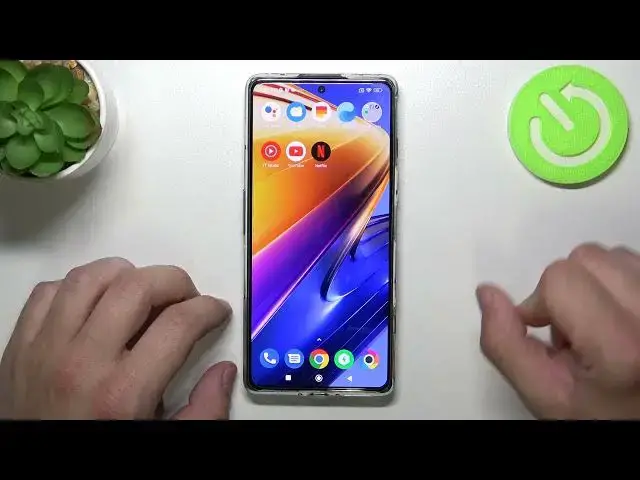

How to Remove/Restore Phone App Icon from the Home Screen on XIAOMI Poco F4 GT
Apr 2, 2024

Learn more information about XIAOMI Poco F4 GT: https://www.hardreset.info/devices/xiaomi/xiaomi-poco-f4-gt/tutorials/
In this video guide we are going to demonstrate how you can both add and delete the Phone app shortcut to/from the home screen on the XIAOMI Poco F4 GT smartphone. Thereby, we are gladly encouraging you to view this video. Please enjoy and thanks for watching!
How to add the Phone app icon to the home screen on XIAOMI Poco F4 GT? How delete the Phone app icon from the home screen of XIAOMI Poco F4 GT? How to manage the app icons on the home screen of XIAOMI Poco F4 GT?
#XIAOMIPocoF4GT #PhoneApp #XIAOMIHomeScreen
Follow us on Instagram ► https://www.instagram.com/hardreset.info
Like us on Facebook ► https://www.facebook.com/hardresetinfo/
Tweet us on Twitter ► https://twitter.com/HardResetI
Support us on TikTok ► https://www.tiktok.com/@hardreset.info
Use Reset Guides for many popular Apps ► https://www.hardreset.info/apps/apps/
Show More Show Less