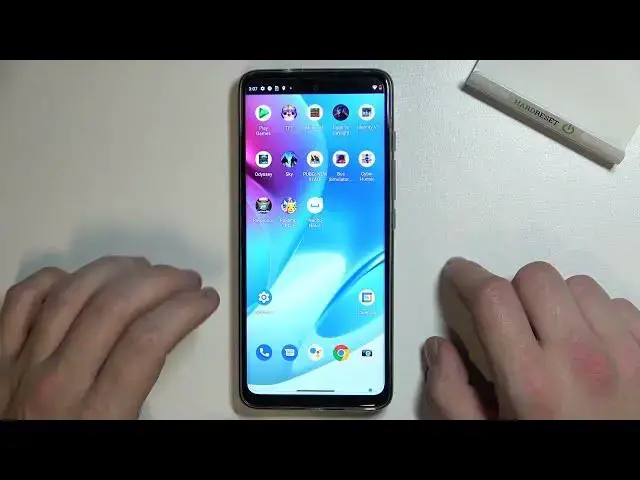

How to Pick Camera Storage Location in Motorola Moto G60S - Change Camera Storage
Apr 8, 2024

Check out more information’s about Motorola Moto G60S: https://www.hardreset.info/devices/motorola/motorola-moto-g60s/tutorials/
If you wish for your photos to be stored somewhere else, then look no further! Grab your Motorola Moto G60S, and follow our tutorial, this way, you'll quickly select the best place to keep all photos and videos. Let’s get started!
How to Change Camera Storage Location on MOTOROLA MOTO G60S? How to Change Default Photo Storage on MOTOROLA MOTO G60S? How to Use SD Card as Default Photo Storage on MOTOROLA MOTO G60S? How to Choose another Location of Photos Storage on MOTOROLA MOTO G60S? How to Save Photos on the SD Card on MOTOROLA MOTO G60S? How to Make SD Card a Camera Photos Storage on MOTOROLA MOTO G60S?
#MotorolaMotoG60S #PickCameraStorageLocation #ChangeCameraStorage
Follow us on Instagram ► https://www.instagram.com/hardreset.info
Like us on Facebook ► https://www.facebook.com/hardresetinfo/
Tweet us on Twitter ► https://twitter.com/HardResetI
Support us on TikTok ►https://tiktok.com/@hardreset.info
Use Reset Guides for many popular Apps ► https://www.hardreset.info/apps/apps/
Show More Show Less