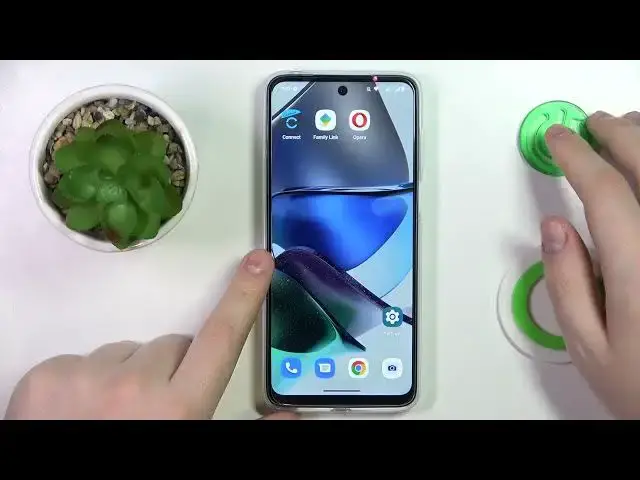

How to Make Opera the Default Browser on Motorola Moto G23 / Set Opera Browser as Default
Jul 27, 2024

More interesting tutorials for your Motorola Moto G23 are here:
https://www.hardreset.info/devices/motorola/motorola-moto-g23/tutorials/
If you want to get easier access to your favorite Opera Browser on OPPO A57s, you should just set it as default. You can do it in a couple simple steps which we will show you in this short video. To not miss anything, simply watch this video to the very end and keep up with our expert. This will allow you to open any internet website without choosing the browser to use and automatically pick the Opera Browser for it. If you want to make your life a little bit easier, just watch this short tutorial. And if you like our content, let us know about it in the comments and leave your thumbs up. Don't forget to subscribe to our channel and have a great day!
How to make the Opera Browser default on Motorola Moto G23?
How to set Opera Browser as the default on Motorola Moto G23?
How to change the default browser on Motorola Moto G23 to Opera browser?
How to add a default browser on Motorola Moto G23?
How to use Opera as the default browser on Motorola Moto G23?
#motorolamotog23
Follow us on Instagram ► https://www.instagram.com/hardreset.info
Like us on Facebook ► https://www.facebook.com/hardresetinfo/
Tweet us on Twitter ► https://twitter.com/HardResetI
Support us on TikTok ► https://www.tiktok.com/@hardreset.info
Use Reset Guides for many popular Apps ► https://www.hardreset.info/apps/apps/
Show More Show Less