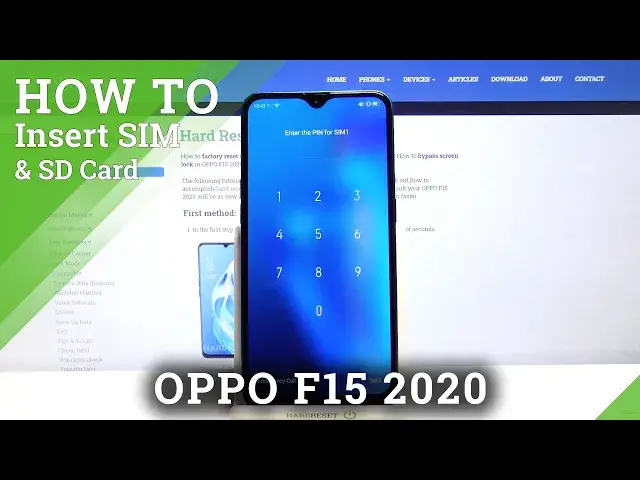

How to Insert Micro SD and Nano SIM to OPPO F15 2020 – SIM Card Installation
Apr 24, 2024

Learn more info about OPPO F15 2020:
https://www.hardreset.info/devices/oppo/oppo-f15-2020/
Did you know that you need to insert a SIM card and activate it in order to be able to start making calls, send SMSs and use the Internet? Follow our instructions and find out where the SIM card slot in OPPO F15 2020 is located. Our specialist will show you how to properly insert the Nano SIM card into the OPPO F15 2020, and in the next step how to activate the SIM card. If you need to use an SD card, find out how to insert this card into the OPPO F15 2020.
How to insert SD Card to OPPO F15 2020? How to input SD Card to OPPO F15 2020? How input SIM Card to OPPO F15 2020? How to insert memory card to OPPO F15 2020? How to insert SIM Card to OPPO F15 2020? How to insert SIM Card to OPPO F15 2020? How to input memory card to OPPO F15 2020? How to input SIM and SD Cards to OPPO F15 2020? How to Activate SIM Card in OPPO F15 2020? How to Insert Micro SD to OPPO F15 2020? How to Insert Nano SIM Card to OPPO F15 2020? How to Input Nano SIM Card to OPPO F15 2020? How to Input Micro SD Card to OPPO F15 2020?
Follow us on Instagram ► https://www.instagram.com/hardreset.info
Like us on Facebook ► https://www.facebook.com/hardresetinfo/
Tweet us on Twitter ► https://twitter.com/HardResetI
Show More Show Less #Consumer Electronics
#Science
#Electronic Accessories