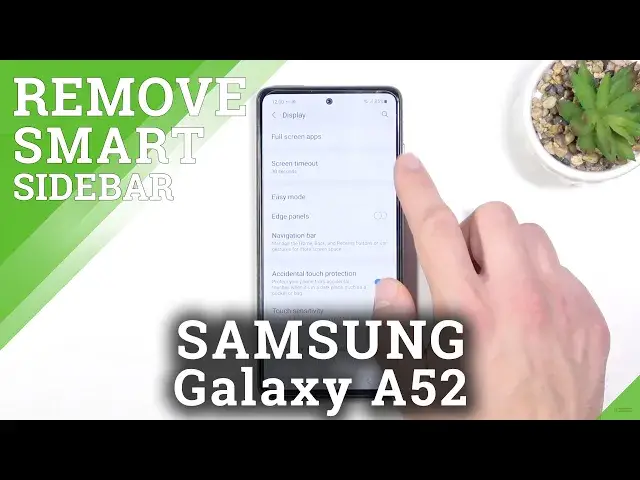

How to Hide Smart Side in SAMSUNG Galaxy A52 - Hide Edge Panel
Apr 11, 2024

Learn more info about SAMSUNG Galaxy A52:
https://www.hardreset.info/devices/samsung/samsung-galaxy-a52-5g/
Do you want to know how to hide the smart side in SAMSUNG Galaxy A52? We'd like to show you how to do it. First of all, find out how to open the side panel settings and then use the slider to turn off the edge panel. Do you want to know more about your Galaxy device? Let's visit our YouTube channel!
How to hide smart bar in SAMSUNG Galaxy A52? How to turn off the smart side bar in SAMSUNG Galaxy A52? How to turn off the smart bar in SAMSUNG Galaxy A52? How to disable smart sidebar in SAMSUNG Galaxy A52? How to hide edge panel in SAMSUNG Galaxy A52? How to turn off the edge panel in SAMSUNG Galaxy A52?
#HideSmartSideBar #HideSmartSidePanel #SAMSUNGGalaxyA52
Follow us on Instagram ► https://www.instagram.com/hardreset.info
Like us on Facebook ► https://www.facebook.com/hardresetinfo/
Tweet us on Twitter ► https://twitter.com/HardResetI
Support us on TikTok ► https://www.tiktok.com/@hardreset.info
Use Reset Guides for many popular Apps ► https://www.hardreset.info/apps/apps/
Show More Show Less