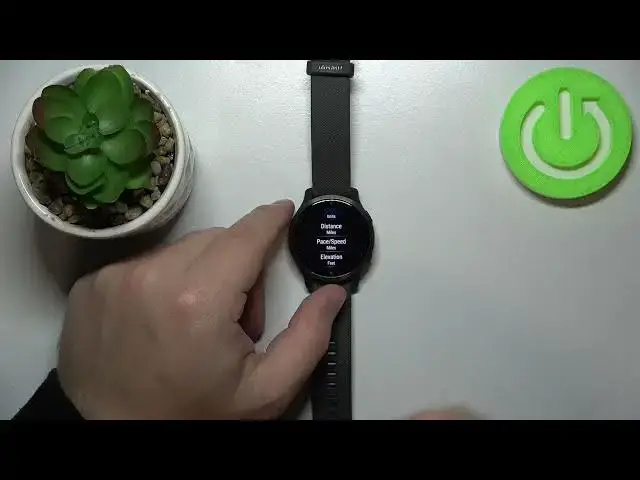

How to Change Unit Type on GARMIN Venu 2s – Switch Fahrenheit to Celsius
Apr 10, 2024

Learn more info about GARMIN Venu 2s:
https://www.hardreset.info/devices/garmin/garmin-venu-2s/
Do you wish that GARMIN Venu 2s had a feature that would allow you to switch between different types of units? In the following tutorial, we show you how to smoothly set your preferred unit type on the Venu 2s. If you wondered how to set the most wanted unit type in your Garmin watch, follow the attached guide and learn how to get access to the settings that give you the possibility to set the best unit type in GARMIN Venu 2s successfully. Let’s follow the guide and learn how to pick the preferred unit type in GARMIN Venu 2s. Visit our HardReset.info YT channel and discover many useful tutorials for GARMIN Venu 2s.
How to change unit type in GARMIN Venu 2s? How to choose unit type in GARMIN Venu 2s? How to select unit type in GARMIN Venu 2s? How to set unit type in GARMIN Venu 2s? How to choose unit type in GARMIN Venu 2s? How to use the wanted unit type in GARMIN Venu 2s? How to select the best unit type in GARMIN Venu 2s?
#ChangeUnitType #Fahrenheit #Celsius #GARMINVenu2s
Follow us on Instagram ► https://www.instagram.com/hardreset.info
Like us on Facebook ► https://www.facebook.com/hardresetinfo/
Tweet us on Twitter ► https://twitter.com/HardResetI
Support us on TikTok ► https://www.tiktok.com/@hardreset.info
Use Reset Guides for many popular Apps ► https://www.hardreset.info/apps/apps/
Show More Show Less