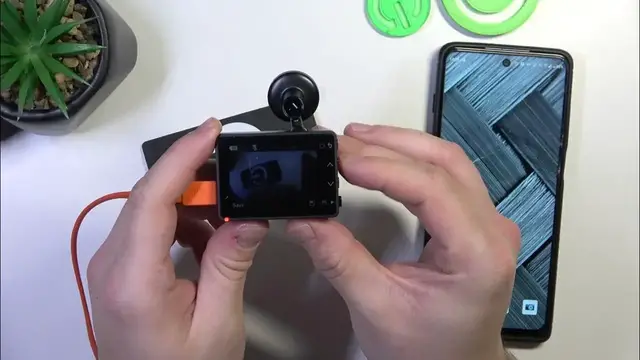

How to Change the Screen Timeout Setting on Your Garmin Dash Cam 57
Jan 17, 2024

Find out more: https://www.hardreset.info/devices/
Maximize your Garmin Dash Cam 57’s efficiency with our easy-to-follow guide on changing the screen timeout setting. This video will show you how to adjust the screen timeout feature to better suit your driving needs, whether you prefer a constantly on display or a screen that dims quickly to reduce distraction. We'll walk you through the simple steps to find and modify this setting, helping you balance between energy conservation and convenient screen accessibility. Ideal for all Garmin Dash Cam 57 users, this tutorial is essential for those who want to tailor their device for optimal performance during long drives or daily commutes. Remember to subscribe to our channel for more insightful tips on utilizing your Garmin Dash Cam 57 to its fullest potential!
Hashtags:
#GarminDashCam57
#ScreenTimeout
#DashCamSettings
Questions for Engagement:
How to access the screen timeout settings on the Garmin Dash Cam 57?
How to extend the screen timeout for longer display viewing on your Garmin Dash Cam 57?
How to shorten the screen timeout for increased battery conservation in the Garmin Dash Cam 57?
How does the screen timeout setting affect the overall performance of the Garmin Dash Cam 57?
How to troubleshoot if the screen timeout setting is not working properly on your Garmin Dash Cam 57?
Follow us on Instagram ► https://www.instagram.com/hardreset.info
Like us on Facebook ► https://www.facebook.com/hardresetinfo/
Tweet us on Twitter ► https://twitter.com/HardResetI
Support us on TikTok ► https://www.tiktok.com/@hardreset.info
Use Reset Guides for many popular Apps ► https://www.hardreset.info/apps/apps/
Show More Show Less