0:00
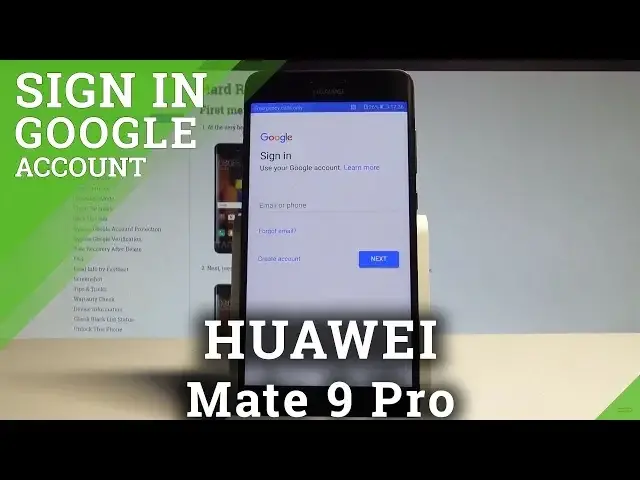
Here I have Huawei Mate 9 Pro and let me show you how to add the Google account to the following device
0:11
So at the very beginning let's start by using your home screen. Let's open the settings
0:15
Here you need to scroll down and simply from the following list you need to find and select
0:21
the user and accounts. Now choose add account. Let's choose the Google in my case
0:27
The device is checking info. Of course it's important to have the internet access and now you can do it in two ways
0:33
You can create a new account or use the existing Google account
0:37
In my case let me use the existing Google account so let's enter the email
0:44
Alright tap next. It's time to enter the password. Let me do it
0:52
If you are ready let's choose next right here. Tap agree to terms of service and privacy policy
1:06
Tap agree again. And that's it. You just added the Google account so everything went well
1:11
Thank you for watching. Please subscribe our channel and leave thumbs up under the video
1:26
I'm Mark Zuckerberg. I'm a professional software engineer. I work for Google. I'm not a software engineer
1:30
I'm a software engineer. I'm a software engineer. I'm a software engineer. I'm a software engineer
1:34
I'm a software engineer. I'm a software engineer. I'm a software engineer. I'm a software engineer
1:38
I'm a software engineer. I'm a software engineer. I'm a software engineer. I'm a software engineer
1:42
I'm a software engineer. I'm a software engineer. I'm a software engineer. I'm a software engineer
1:46
I'm a software engineer. I'm a software engineer. I'm a software engineer. I'm a software engineer
1:50
I'm a software engineer. I'm a software engineer. I'm a software engineer