0:00
install the same widgets on iPhone. For example, widget with Spotify, phone specifications
0:04
and counting down how many days are left until some date. You need to install this free-to-use app. Then open it
0:10
Select a few widgets that you like. I'll pick Xpanel. You saved my widgets key. Now let's search countdown widget
0:19
There are few similar widgets, choose the one you like the most. Select the needed date. And save it
0:27
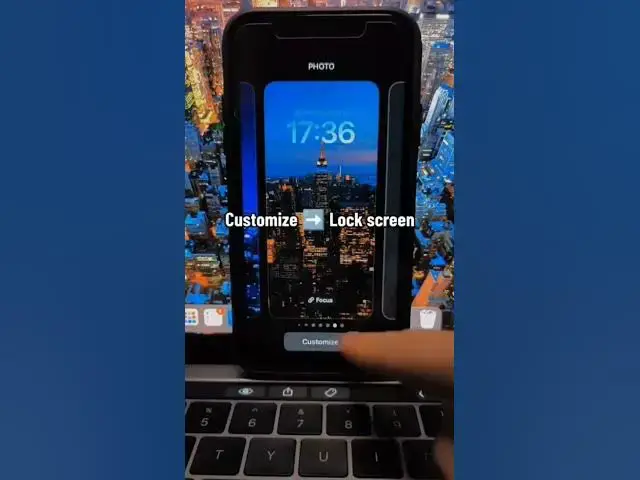
Now you need to hold down your finger on the lock screen. Customize lock screen. Tap on add widgets option and pick the app
0:36
Repeat my steps to add widgets to the lock screen. Hit on the widget and choose the needed widget
0:47
You can also change the date's widget. Use done key to finish. And here is the result
0:55
It looks so good. Follow for more