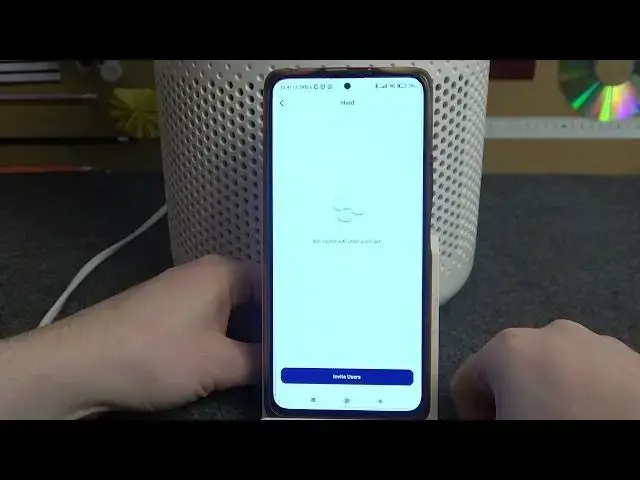

Everyone Can Control the Air! Share Your LEVOIT Core 300 Access in a Snap!
Mar 16, 2024

Check out more Levoit Core 300 Tutorials: https://www.hardreset.info/devices/levoit/levoit-core-300/
Dive into the realm of smart device sharing with our exhaustive guide on "How To Share Device Access on a LEVOIT Core 300 From the Mobile App". This video takes you on a detailed exploration of how to extend the control of your LEVOIT Core 300 air purifier to family members, roommates, or anyone else in your shared living space through the LEVOIT mobile app. Mastering this feature not only fosters cooperative usage but also optimizes the utility and flexibility of your device. In this tutorial, we'll illustrate the process, presenting the intricacies in an easy-to-grasp manner. You'll also learn how to manage multiple users, revoke access when necessary, and troubleshoot any potential issues. Moreover, we'll provide insights into situations where sharing device access can be particularly useful, such as when you're away from home or wish to delegate control of the air purifier to others. By the end of this video, you'll be fully equipped to harness the collaborative power of smart home technology, enabling a truly communal and seamless LEVOIT Core 300 experience.
#LEVOITCore300 #SharedAccess #SmartHomeCollaboration
How to share device access of your LEVOIT Core 300 from the mobile app?
How to manage multiple users on your LEVOIT Core 300 mobile app?
How to revoke shared access on your LEVOIT Core 300 from the mobile app?
How to troubleshoot device sharing issues on your LEVOIT Core 300 mobile app?
How to ensure secure access sharing for your LEVOIT Core 300?
Follow us on Instagram ► https://www.instagram.com/hardreset.info
Like us on Facebook ► https://www.facebook.com/hardresetinfo/
Tweet us on Twitter ► https://twitter.com/HardResetI
Support us on TikTok ► https://www.tiktok.com/@hardreset.info
Use Reset Guides for many popular Apps ► https://www.hardreset.info/apps/apps/
Show More Show Less