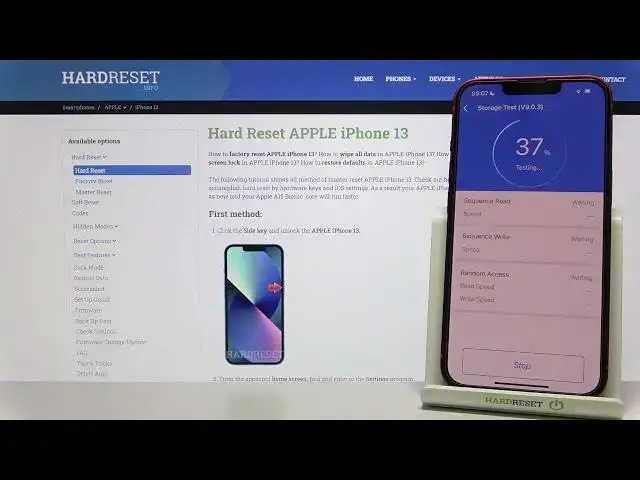

Apple iPhone 13 - AnTuTu Storage Speed Test | Write & Read Benchmark
Apr 12, 2024

Our webiste: https://www.hardreset.info/devices/apple/apple-iphone-13/
Internal Storage is where your apps save private data such as settings and user data. The iOS default cache directory is also in the internal storage. Files saved in internal storage are private to the application and cannot be accessed by the user or other applications. Internal storage performance most commonly impacts the startup time and smooth running of your apps. By the AnTuTu Storage Speed you can test measure the performance of the storage for random read, sequential read, random write, and sequential write operations! The speed of the disk is extremely important and it can limit the speed of other components when, for example, installing an application or transferring large files.
How to use AnTuTu Benchmark in Apple iPhone 13? How to check Performance by Apple iPhone 13? How to check performance by 3DMark sling shot extreme test of Android device? How to activate Wild Life 3DMark Benchmark on Apple iPhone 13? How to use Geekbench 5 GPU OpenCL Benchmark in Apple iPhone 13? How fast is Apple iPhone 13? How to test by Geekbench GPU Vulkan Benchmark Apple iPhone 13? How to perform benchmark in Apple iPhone 13? How to check storage speed in Apple iPhone 13? How to perform HTML5 TEST in Apple iPhone 13?
Apple iPhone 13 Specification:
OS: iOS 15.1
Chipset: Apple A15 Bionic
CPU: Hexa-core (2x3.22 GHz Avalanche + 4xX.X GHz Blizzard)
GPU: Apple GPU (4-core graphics)
MEMORY: 4GB RAM
Follow us on Instagram ► https://www.instagram.com/hardreset.info
Like us on Facebook ► https://www.facebook.com/hardresetinfo/
Tweet us on Twitter ► https://twitter.com/HardresetI/
Show More Show Less