0:00
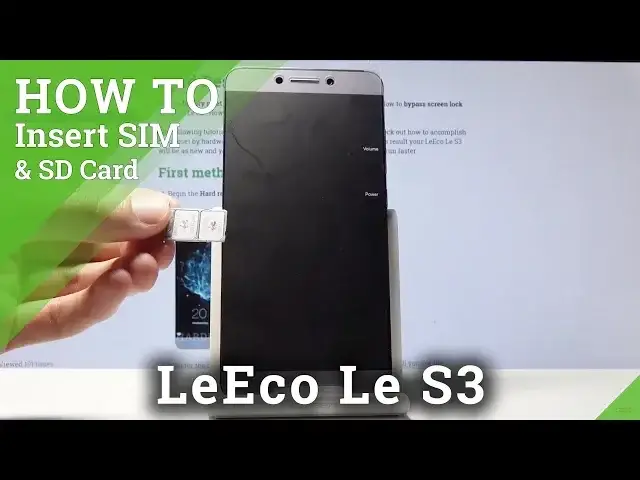
Welcome, in front of me is a LeEco LeS3 and today I'll show you how to insert SIM into
0:11
the device. So before we get started there is one thing that you will need which is a SIM eject tool
0:16
as I have one right here and they usually come provided in the box with the phone so
0:20
you can find it over there and if you can't find it you can always use something like a paper clip
0:24
I know that this doesn't look like one but it was at one point a paper clip so just straighten
0:29
it out and you can push the tray out using that but because I have the actual tool for
0:35
it I'll use this. So the tray is located on the upper left side of the device right here and there's a tiny
0:43
little hole where you can just stick the tool in and push it in and you'll see that the tray just pops out as you can see right here
0:50
So you want to grab it and just pull it out all the way and there you'll have the option
0:55
to put two different SIM cards so both of them go with the cutout on the bottom right
0:59
corner like so. You want to just lay them flat with the actual logo of the logo of the card being on top
1:08
and the electronic part being on the bottom as you can see and once you have it in there
1:15
laying flush nice you want to just slide it back and hold it securely so they don't fall
1:21
out it's there's nothing really holding them in place so hold them and then slide the tray
1:26
back in and get it all the way till it just clicks in there and you should see there's
1:32
the one of the SIM has a pin number so I have to put it in and you will see that both of
1:38
them are working. So that's how you would insert it and if you found this very helpful don't forget to hit
1:44
like subscribe and thanks for watching