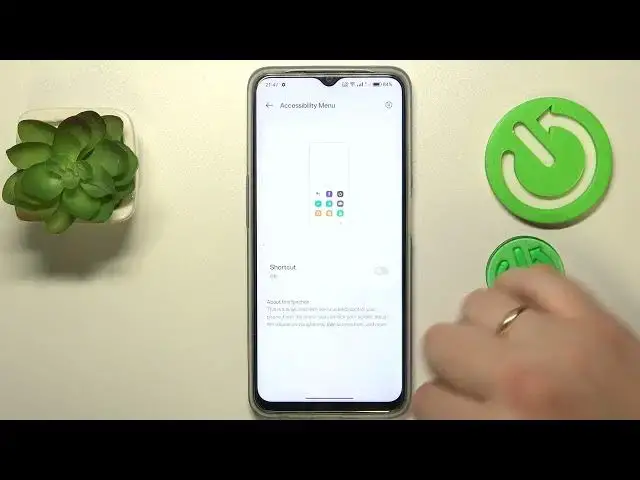

Take Full Control of Your Oppo Phone – Switch Off Accessibility Features Now!
Aug 1, 2024

More Oppo Phone and Devices Tips&Tricks: https://www.hardreset.info/devices/oppo/
Hello and welcome, tech enthusiasts and Oppo phone users! Today, we'll be tackling an important feature on your device – Accessibility settings. More specifically, we'll show you how to turn off these settings when you no longer need them.
Accessibility settings on your Oppo phone are designed to make your device more user-friendly for those with certain disabilities. These include features such as voice-over, enlarged text, high-contrast color schemes, and more. However, if these settings have been activated inadvertently, or you no longer require them, they can be more of an obstacle than a benefit. That's where our guide comes in!
In this comprehensive tutorial, we'll walk you through the process of understanding and managing the accessibility settings on your Oppo phone. We'll show you how to safely turn off these features, ensuring that your phone is perfectly tailored to your needs and preferences. Along the way, we'll also address common concerns and issues you might encounter, helping you to navigate your way around your device with ease and confidence.
By the end of this video, you'll have a comprehensive understanding of the accessibility features on your Oppo phone and how to manage them effectively. Remember, knowledge is power, and understanding your device is the first step to mastering it!
Don't forget to subscribe to our channel and hit the notification bell to stay updated on our future videos. If you have any questions or suggestions, feel free to leave a comment below. We're here to enhance your tech experience!
"How to turn off accessibility settings on your Oppo phone?"
"How to check which accessibility features are currently enabled on your device?"
"How to resolve issues with accidental activation of accessibility settings?"
"How to customize the accessibility settings according to your needs?"
"How to re-enable accessibility settings if required in the future?"
#OppoAccessibility #TechGuide #OppoUserGuide
Follow us on Instagram ► https://www.instagram.com/hardreset.info
Like us on Facebook ► https://www.facebook.com/hardresetinfo/
Tweet us on Twitter ► https://twitter.com/HardResetI
Support us on TikTok ► https://www.tiktok.com/@hardreset.info
Show More Show Less