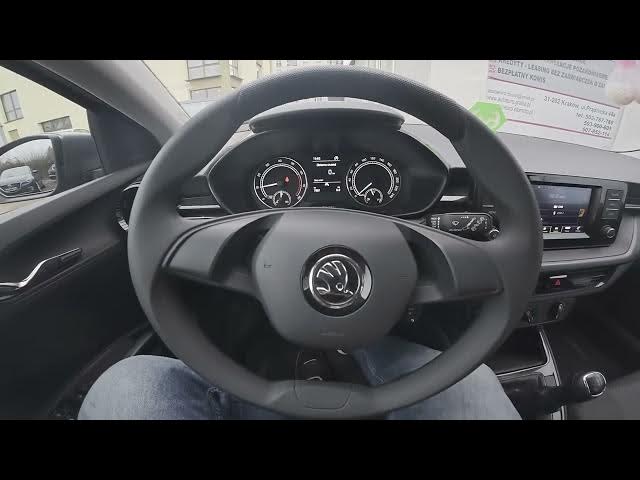

Skoda Fabia IV – How to Check Radio Station Info
Jan 7, 2026

Learn how to check radio station information on your Skoda Fabia IV (2021 - now). In this short clear video you will see where to look on the infotainment screen, how to open Radio → Station, and how to read Radio Text and Radio Info for current news or track details. This guide helps you confirm station name, program text, and other broadcast info shown by the car radio so you always know what is playing and what the station is announcing.
How to check radio info on Skoda Fabia IV (2021 - now)?
How to view Radio Text on Skoda Fabia IV radio system?
Where is the Station menu in Skoda Fabia IV infotainment?
0:00 Intro – In the car and what we will show
0:06 Screen display overview – where to look on the infotainment
0:12 Open Radio and select Station menu
0:18 Check Radio Text and Radio Info for current news and track details
0:25 Wrap up – like, comment and subscribe
#SkodaFabiaIV #SkodaFabia #RadioInfo #CarInfotainment
Find out more:
https://www.hardreset.info/devices/skoda/skoda-fabia-iv-2021-now/check-radio-station-information/
Follow us on Instagram ► https://www.instagram.com/hardreset.info
Like us on Facebook ► https://www.facebook.com/hardresetinfo/
Tweet us on Twitter ► https://twitter.com/HardResetI
Show More Show Less