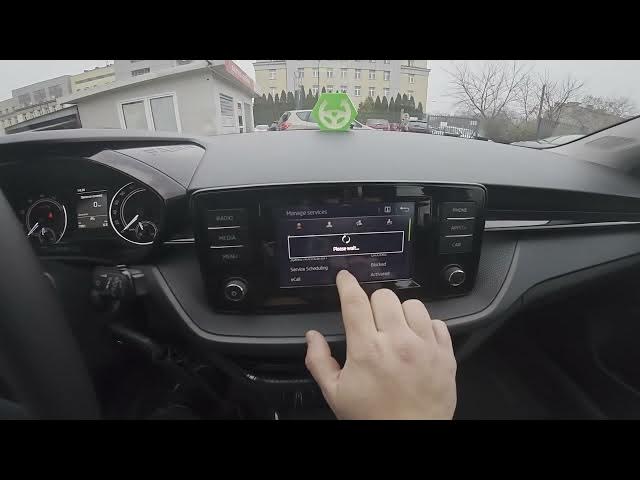

Skoda Fabia IV – How to Change Privacy Settings
Jan 16, 2026

Learn how to change privacy settings on the Skoda Fabia IV (2021 - now). In this short video we walk through the center display menu to Menu → Settings, enter Skoda Connect, open Privacy Settings and Management, and show each privacy mode: Anonymous, Limited Privacy, Share Location, and Share All Data. You will learn where to find these options and what each mode means for sharing location and vehicle data so you can choose the best privacy level for your car and personal preferences.
How to change privacy settings on Skoda Fabia IV (2021 - now)?
How to set privacy mode in Skoda Connect on Skoda Fabia IV?
Where is the privacy settings menu on Skoda Fabia IV?
0:00 Intro – what we will change
0:09 Open the screen display, go to Menu and Settings
0:20 Enter Skoda Connect and open Privacy Settings
0:28 Privacy modes explained: Anonymous, Limited Privacy, Share Location, Share All Data
0:56 Wrap up, like and subscribe
#SkodaFabia #SkodaConnect #PrivacySettings #CarTech
Find out more:
https://www.hardreset.info/devices/skoda/skoda-fabia-iv-2021-now/
Follow us on Instagram ► https://www.instagram.com/hardreset.info
Like us on Facebook ► https://www.facebook.com/hardresetinfo/
Tweet us on Twitter ► https://twitter.com/HardResetI
Show More Show Less