0:00
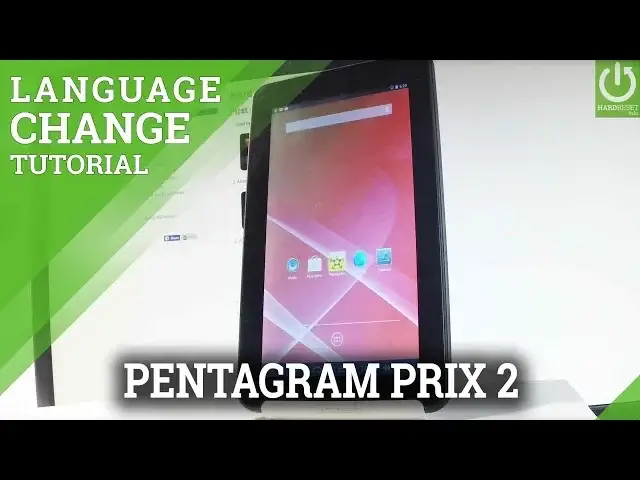
Here I have Pentagram Aeon Prix 2 and let me show you how to change language on the
0:08
following device. First of all let's start by tapping apps icon. Let me find and select the settings right here
0:21
From the left bar let's scroll down and choose the language and input is located under personal
0:27
tab right here, let's choose it. Let's select language from the top of the screen right here and here you should find
0:37
the full list of available languages that you can use on this device
0:40
In my case let me just switch my language from English to Spanish so let's tap on Español
0:46
and as you may notice the whole list of settings and also applications are in Spanish right now
1:00
Let me show you the application. And if you would like to go back to previous version to the English one let's find and
1:10
select Ajustes, choose Idioma y Entrada de Texto, choose Idioma one more time and from
1:25
the following list let me choose English for instance from United States
1:36
The device is switching the languages. And that's it. Right now everything is in English
1:42
So thank you for watching, please subscribe our channel and leave thumbs up under the video