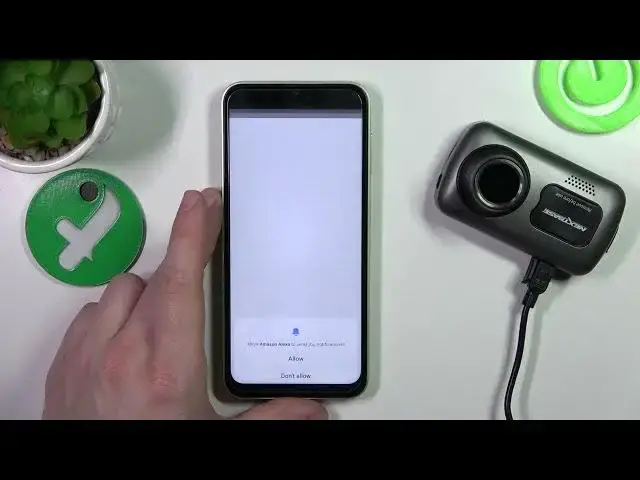

Nextbase Dashcam 622GW enable and use alexa
Mar 20, 2024

Find out more about NEXTBASE Dashcam 622GW: https://www.hardreset.info/devices/nextbase/nextbase-dashcam-622gw/
Hey everyone, welcome back to our channel! Today, we are going to talk about how to use Alexa on the Nextbase 622GW dashcam. With the integration of Alexa, you can now have hands-free control over your dashcam. It's a game-changer for those who spend a lot of time on the road.
The Nextbase 622GW dashcam is already packed with features such as 4K video recording, image stabilization, and a 140-degree viewing angle. But the integration of Alexa takes things to the next level. You can now access a range of voice commands to control the dashcam. For example, you can say, "Alexa, start recording," and the dashcam will start recording automatically. You can also ask Alexa to take a photo or a video. The dashcam will capture the moment without you having to touch the device. Another great feature is the ability to check the status of the dashcam through Alexa. You can ask Alexa to check the battery level, the storage capacity, and the Wi-Fi status. It's an incredibly convenient way to stay up-to-date with your dashcam.
So there you have it, folks! That's how you can use Alexa on the Nextbase 622GW dashcam. It's a fantastic addition to an already impressive device. If you have any questions, feel free to leave them in the comments below. Don't forget to hit the like button and subscribe to our channel for more content like this.
How to activate Alexa on a NEXTBASE Dashcam 622GW?
How to find voice assistant settings on a NEXTBASE Dashcam 622gw?
#nextbase #dashcam #622gw
Follow us on Instagram ► https://www.instagram.com/hardreset.info
Like us on Facebook ► https://www.facebook.com/hardresetinfo/
Tweet us on Twitter ► https://twitter.com/HardResetI
Support us on TikTok ► https://www.tiktok.com/@hardreset.info
Use Reset Guides for many popular Apps ► https://www.hardreset.info/apps/apps/
Show More Show Less