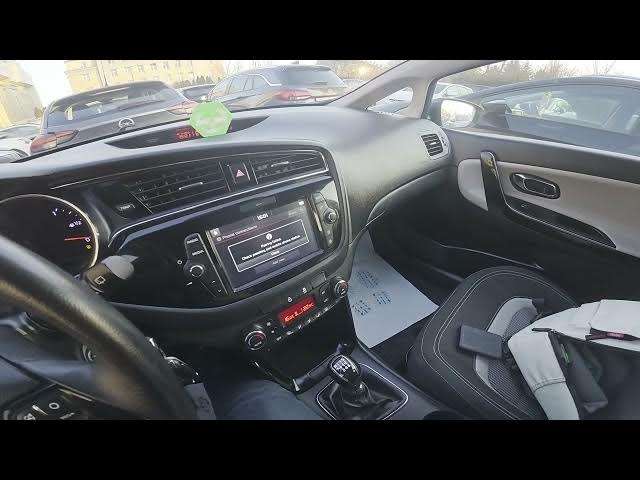

Kia Ceed II Facelift – How to Pair Smartphone via Bluetooth
Dec 28, 2025

Learn how to pair your smartphone with the Kia Ceed II Facelift using Bluetooth. In this short, easy-to-follow video you’ll see how to navigate the car screen, open Settings → Phone Connections → Add New, enable Bluetooth on your phone, select “Kia Motors”, confirm the pairing and allow permissions. The steps work for both Android and iPhone and include a quick retry tip if other devices are already connected. Follow along to get calls and audio working in your Kia Ceed II Facelift in minutes.
How to pair a smartphone with Kia Ceed II Facelift via Bluetooth?
How to connect Android phone to Kia Ceed II Bluetooth?
How to pair iPhone with Kia Ceed II Facelift Bluetooth?
0:00 Intro – what we’ll do
0:08 Check the car screen display
0:12 Open Settings → Phone Connections → Add New
0:28 Go to Bluetooth settings on your smartphone
0:37 Select “Kia Motors” on the phone
0:50 Troubleshooting & retry if many devices are connected
1:26 Confirm pairing and allow permissions
1:33 Paired — smartphone is now connected with the car
#KiaCeed #Bluetooth #CarBluetooth #CarTech
Find out more:
https://www.hardreset.info/devices/kia/kia-ceed-ii-facelifting/how-to-pair-smartphone-with-car-via-bluetooth/
Show More Show Less