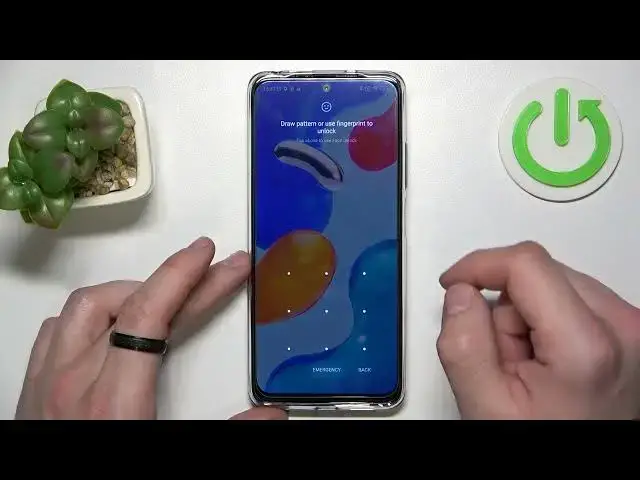

How to Use Google Assistant on Lock Screen in XIAOMI Redmi Note 11s
Jul 23, 2024

Find out more info about XIAOMI Redmi Note 11s:
https://www.hardreset.info/devices/xiaomi/xiaomi-redmi-note-11s/tutorials/
Would you like to allow your Google Assistant to respond when your XIAOMI Redmi Note 11s is locked? Let's open and watch this tutorial. We'll show you how to enter the Google Assistant Settings, and then how to enable the Hey Google feature, and then how to go to the Lock Screen settings in order to start using your Google Assistant without unlocking your phone. If you want to get personal results, like your messages or contacts, you need to say 'Hey Google' so that your Assistant can recognise your voice. Also, you can get personal results when you activate your Assistant without saying 'Hey Google', like tapping on your XIAOMI screen- you need to activate that option by using the switcher. Do you want to know more about Google Assistant or XIAOMI Redmi Note 11s? You should visit our YouTube channel. Remember that if you have any questions, feel free to ask us in the comment.
How to Enable Google Assistant on Lock Screen in XIAOMI Redmi Note 11s? How to Turn On Google Assistant on Lock Screen in XIAOMI Redmi Note 11s? How to enable Hey Google on XIAOMI Redmi Note 11s?
#GoogleAssistant #UseAssistantOnLockScreen #XIAOMIRedmiNote11s
Follow us on Instagram ► https://www.instagram.com/hardreset.info
Like us on Facebook ► https://www.facebook.com/hardresetinfo/
Tweet us on Twitter ► https://twitter.com/HardResetI
Support us on TikTok ► https://www.tiktok.com/@hardreset.info
Use Reset Guides for many popular Apps ► https://www.hardreset.info/apps/apps/
Show More Show Less