0:00
Hi guys and this is a new video about the tic tac application. Today we will show you how to use
0:06
freeze frame on tic tac. Of course we will do it by using the special filter. So let's follow
0:18
our steps and get access to this cool effect. So let's tap on the tic tac app and go to the
0:25
discover section to pick on the search bar. Right now we need to find the needful filter
0:32
After setting the freeze frame text here on the search bar and later we have a lot of different
0:40
tic tacs with this special effect. So let's pick on the first one as an example and here we have
0:47
this cool, not cool but inscription. After clicking on it we will get access to this
0:56
freeze frame filter. So we have two options. We can add this effect to our favorite list
1:04
to our list of favorites after clicking on the bottom at the top bar
1:11
I have removed it from my favorites because I had this filter before but after clicking on it again
1:19
I will add it this filter to my list and I can smoothly use this effect after right now after
1:27
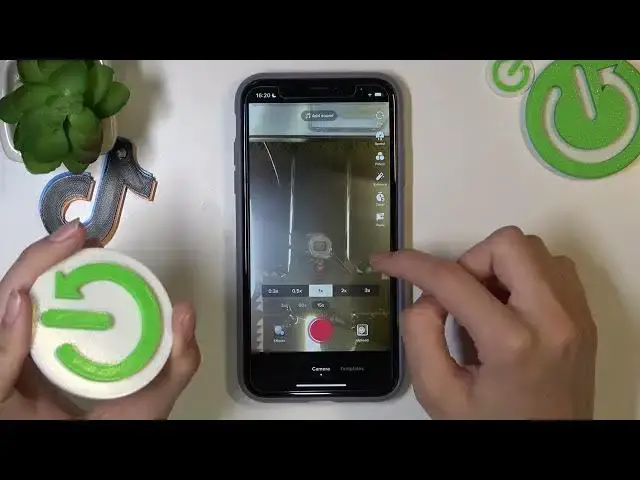
picking on the red central bottom. And right now I will show you how to use this effect
1:35
this freeze frame effect. But before I want to remove the edit sound because as an example I
1:43
don't like it. So let's pick on the sound one time. Later let's tap on the cross
1:51
and on the cross again. Successfully done! So right now I will use this logo as an example to
1:59
show you how to freeze, how to stop our video on the needful moment. But remember that this
2:05
filter, this freeze frame filter will turn on the black and white mode on your tic tac. Let's check
2:15
it. So let's create new tic tac after tapping on the red central bottom and I need to tap on the
2:21
screen to freeze our tic tac. Don't forget to choose check mark and check the results. So I
2:31
freezed my video successfully and I hope that right now you know how to smoothly use and get
2:38
access to this effect. Don't forget that to save this newly created tic tac we need to tap on the
2:44
next option and choose drafts or post. I will choose the second one to upload our video on the
2:53
profile page. Guys don't forget about the likes, don't forget to subscribe to our channel on
2:59
youtube and also on tic tac. We have it hardreset.info and guys good luck! Bye-bye