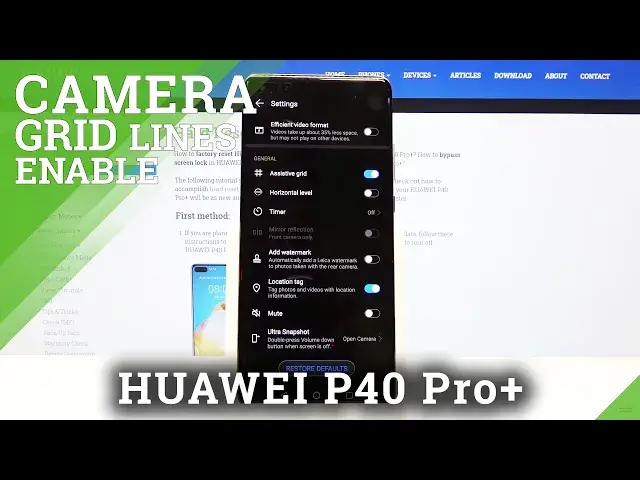

How to Use Camera Grid Lines in HUAWEI P40 Pro+ - Advanced Camera Feature
Jul 21, 2024

Learn more info about HUAWEI P40 Pro+:
https://www.hardreset.info/devices/huawei/huawei-p40-pro-plus/
If you have the impression that the photos you are taking are not perfectly cropped, then you should use a Grid Lines. Stay with us, follow the instructions that our specialist will give you and successfully open the camera settings in HUAWEI P40 Pro +, then turn on the visibility of the grid lines. The lines will not be visible in the photos taken.
How to Activate Camera Grid Lines in HUAWEI P40 Pro+? How to Enable Camera Grid Lines in HUAWEI P40 Pro+? How to Turn On Camera Grid Lines in HUAWEI P40 Pro+? How to Switch On Camera Grid Lines in HUAWEI P40 Pro+? How to open Camera Settings in HUAWEI P40 Pro+? How to Enable Orientation Lines in HUAWEI P40 Pro+? How to use Camera Grid Lines in HUAWEI P40 Pro+?
Follow us on Instagram ► https://www.instagram.com/hardreset.info
Like us on Facebook ► https://www.facebook.com/hardresetinfo/
Tweet us on Twitter ► https://twitter.com/HardResetI
Show More Show Less #Visual Art & Design
#Camera & Photo Equipment
#Software
#Outdoors